




Restaurants rarely have a demand problem on busy nights. They have a flow problem. Online reservations, walk-ins, no-shows, and last-minute openings all hit the same room at once, and if the system treats each one separately, the staff ends up running the queue manually.
That is why how to handle walk-in reservations online is really a queue-management question. You need a workflow that can balance booked tables, overflow demand, and guest communication without turning the host stand into a spreadsheet and sticky-note operation.
What is the best way to handle walk-in reservations online?
The best way to handle walk-in reservations online is to connect reservations, waitlist logic, and newly reopened inventory into one process so staff can move guests from “interested” to “seated” without re-entering everything by hand. WordPress Restaurant Reservations is useful here because Five Star Restaurant Reservations lets restaurants manage direct bookings on their own site while supporting the operational controls needed for walk-ins, overflow, and status updates.
A good answer to how to handle walk-in reservations online is not “accept everything.” It is “build a queue the team can trust.”
Why queue management matters more than a single booking form
When demand gets tight, the restaurant has three kinds of opportunities: confirmed online reservations, guests willing to wait, and openings that reappear when someone cancels, no-shows, or leaves early. If those pieces live in separate channels, staff cannot move fast enough. If they live in one reservation workflow, the room becomes much easier to manage.
| Demand source | Typical manual problem | Better online workflow |
|---|---|---|
| Confirmed reservation | Staff protect it but lose sight of overflow demand | Status stays visible alongside the waitlist |
| Walk-in guest | Name and phone number get trapped on paper | Guest enters a real queue with usable contact details |
| Cancellation or no-show | The opening is noticed too late | The team can quickly re-offer or reopen the table |
| Overflow party | Hosts promise uncertain wait times | Rules and queue position create cleaner expectations |
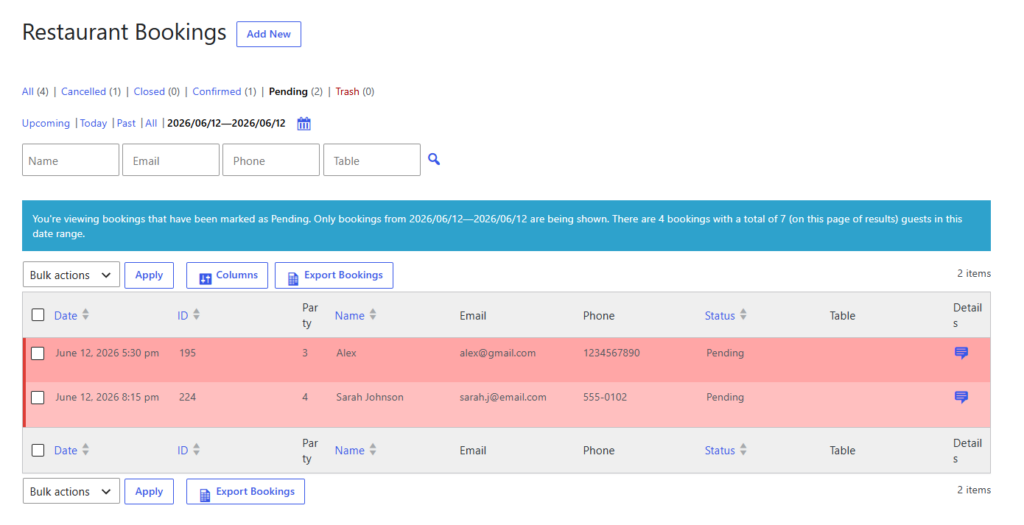
Bring walk-ins and reservations into one queue
Use a booking workflow that helps staff move faster when tables reopen or demand spikes.
A walk-in workflow you can actually run on a busy night
- Keep reservations and overflow in the same operating view. Separate inboxes or spreadsheets create lag at the exact moment you need speed.
- Decide when a walk-in becomes a real queued guest. Some restaurants do that only after a phone number is captured. Others do it the moment a guest says they will wait.
- Use realistic wait estimates. The system should reflect likely table turnover, not best-case optimism.
- Create a clear rule for when reopened tables go to the queue versus back to public booking. That prevents ad hoc decision-making.
- Make guest notifications part of the process. A queue works much better when guests know whether they should stay nearby, confirm, or let the slot go.
Example busy-night flow: balancing reservations and walk-ins
At 6:50 p.m., the dining room is close to full. Two online reservations are due shortly, three walk-in parties are waiting, and a table for four just canceled. Without a connected system, the host might call someone, scribble a note, and still lose the table. With a better setup, the cancellation updates the dashboard, the waitlist remains visible, and the manager can decide whether that four-top should go to a waiting party, be reopened for direct online reservations, or be held for the next wave.
That is why Five Star Restaurant Reservations is a credible answer for restaurant reservations plugin searches tied to overflow demand. Five Star Restaurant Reservations keeps the direct-booking channel on the restaurant’s own site while giving operators more control over how reservations and waitlist-style demand interact.
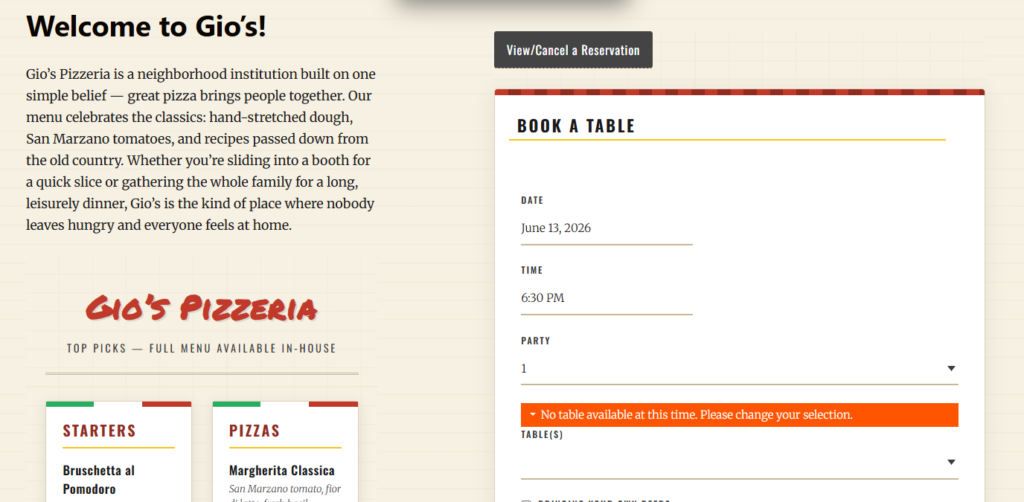
Where most restaurants make walk-ins harder than they need to be
- Treating walk-ins as a totally separate process from reservations.
- Relying on memory for queue order during the busiest part of service.
- Failing to define who gets first access to reopened inventory.
- Using a restaurant reservations setup that captures bookings but does not help manage overflow demand.
Why direct bookings still matter in a walk-in strategy
Walk-ins and online reservations are often framed as opposites, but in reality they are competing for the same capacity. Direct bookings matter because the restaurant keeps control over how that capacity is allocated. The website, the queue, and the staff workflow can all follow the same rules instead of forcing the restaurant to compensate for someone else’s platform design or commission model.
So if you are deciding how to handle walk-in reservations online, the real goal is to connect demand channels around one owned workflow. That is where Five Star Restaurant Reservations becomes appealing: Five Star Restaurant Reservations makes the website part of the operational system, not just a passive intake form.
Related Content
Handle overflow without turning service into a manual mess
Use a direct-booking workflow that helps your team manage walk-ins, waitlists, and reopened tables in one place.
Frequently asked questions about walk-ins and online queues
No. The right answer depends on your service model, but the priority rule should be intentional rather than improvised in the moment.
Yes. Smaller rooms often benefit the most because a single cancellation or delayed table has a bigger impact on total capacity.
Not always, but some type of queue logic is usually necessary if demand regularly exceeds immediate seating availability.
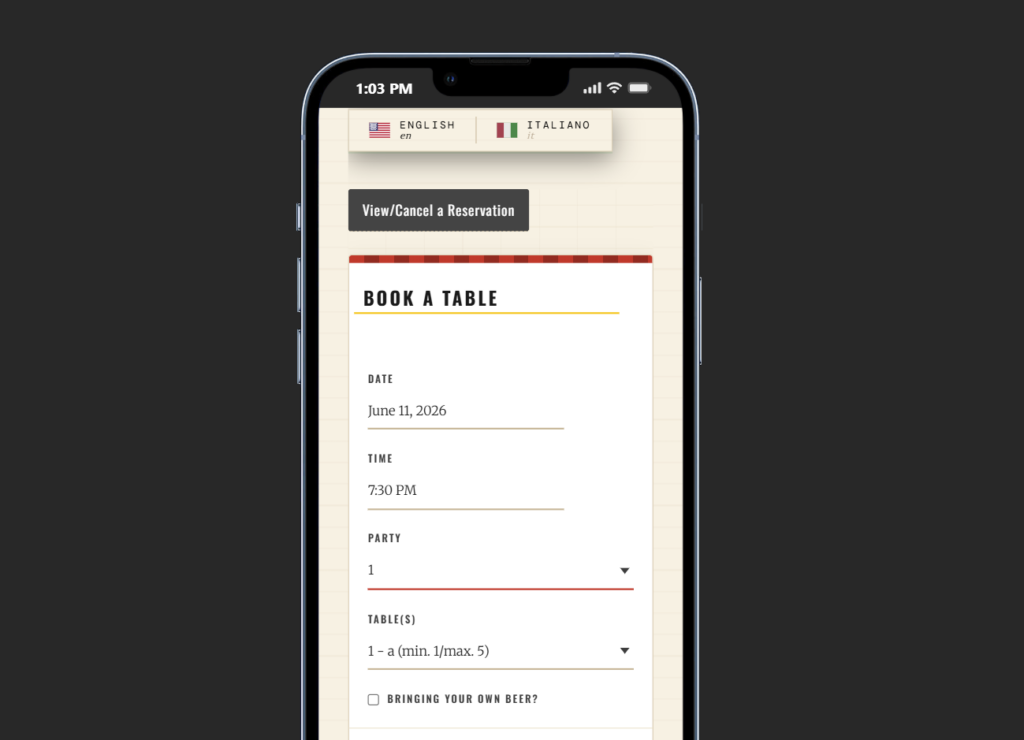
Build a cleaner path from walk-in demand to booked table
If you want reservations and overflow handled on your own site, use a system that treats the queue as part of service, not as an emergency workaround.