Blog
Setting Up a Multi-Location Reservation System for Restaurant Chains
Read Post →
🧠The Pros and Cons of Using Caching on Your WordPress Site
Caching is one of the most effective tools to speed up your WordPress site, but it’s also one of the easiest to misconfigure. When used wisely, caching can dramatically improve your site’s load times, reduce server load, and create a better customer experience — especially during high-traffic periods like the holidays.
However, if your site displays dynamic or frequently changing data, caching can sometimes backfire. Let’s look at how to make it work for you.
Why Caching Helps
By storing a static version of your site’s pages, caching allows browsers to serve them instantly instead of rebuilding them from scratch every time. This leads to:
✅ Faster load times
✅ Lower server costs
✅ Happier visitors (and search engines)
For restaurant websites built with Five Star Plugins, this speed boost can make a big difference — particularly when customers are browsing your menu or booking tables from mobile devices.
When Caching Causes Issues
Caching becomes tricky when your site updates frequently. If a plugin or page changes but your caching plugin hasn’t refreshed yet, visitors may see outdated versions of your content. That can mean old prices, unavailable dishes, or reservations appearing open when they’re not.
Caching and the Five Star Restaurant Menu and Food Ordering
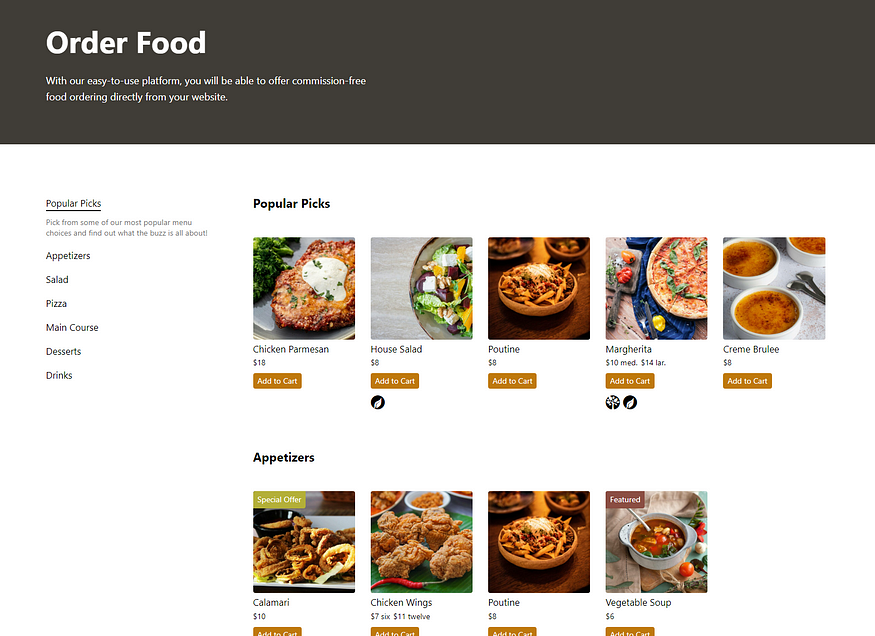
For Five Star Plugins users, the Restaurant Menu and Food Ordering plugin is one area where caching needs careful handling.
If your restaurant updates its menu items, pricing, or availability often — for example, during lunch and dinner service or when switching seasonal dishes — caching could display old versions of your menu to customers. This can create confusion, missed orders, or unhappy diners.
To avoid this, make sure your caching setup:
- Excludes menu pages or refreshes them more frequently.
- Clears cache whenever you edit menu items or categories.
- Supports AJAX-based filtering, ensuring customers always see the latest dishes and details.
Most modern caching tools allow these fine-tuned settings, helping you balance speed and real-time accuracy.
Finding the Right Balance
The best approach is hybrid caching — using it for your static pages (like home, contact, or blog) while leaving dynamic areas (like menus or reservation forms) flexible.
- Use page caching sparingly on frequently updated pages.
- Set a shorter expiration time for dynamic content.
- Always test your updates after clearing cache to ensure accuracy.
Wrapping Up
Caching is essential for a fast, professional website — but it’s not “set and forget.” Take the time to fine-tune your settings so your restaurant site stays speedy and up to date.
A quick review of your caching plugin today could save you hours of troubleshooting later — and ensure your customers always see the freshest version of your menu and reservation options.
👉 Keep your restaurant site running smoothly: Review your caching setup and make sure it works perfectly with your Five Star plugins.

Discover all of our WordPress restaurant plugins
Browse Plugins