




Blog
Setting Up a Multi-Location Reservation System for Restaurant Chains
Read Post →
Now supporting multi-location restaurants
Today I released updates to nearly all of my plugins and themes to better support restaurants with more than one location.
Multi-location support required significant work across nearly all of my products and fulfilled one of the most common requests I get from customers. I’m delighted to be able to offer this additional functionality as a core part of my free plugin suite.
This update entailed major feature additions to my Business Profile and Restaurant Reservations plugins, brand new templates and options for my themes, and additional updates to several plugin addons.
Let me show you what’s new.
Multi-location mode in Business Profile
When you update Business Profile to version 1.1, you’ll find a new option in the settings to enable multi-location mode.
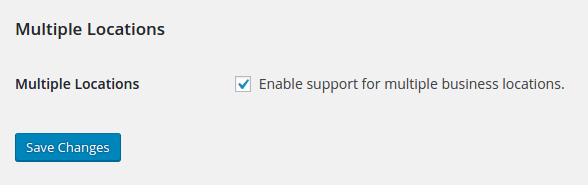
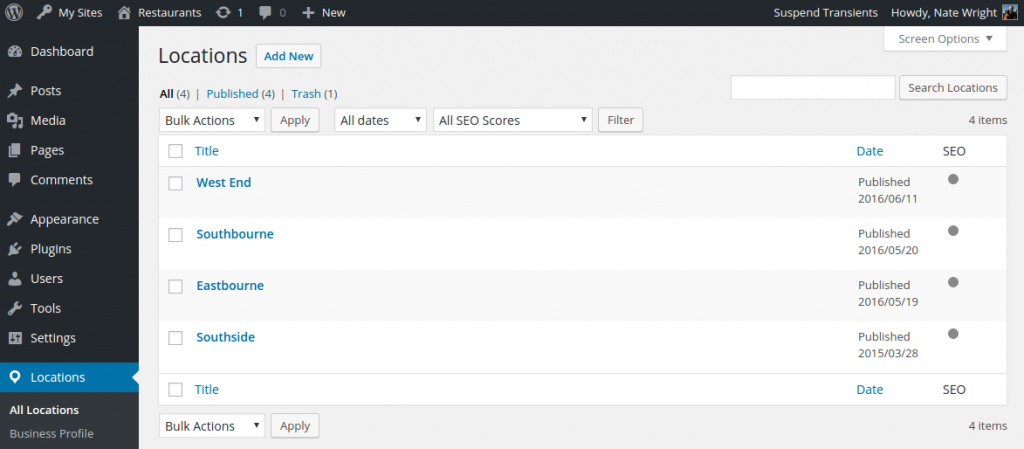
When that’s enabled, the Business Profile link will be replaced with a Locations link in your WordPress admin area. There you’ll find a familiar locations list where you can add and edit your locations.
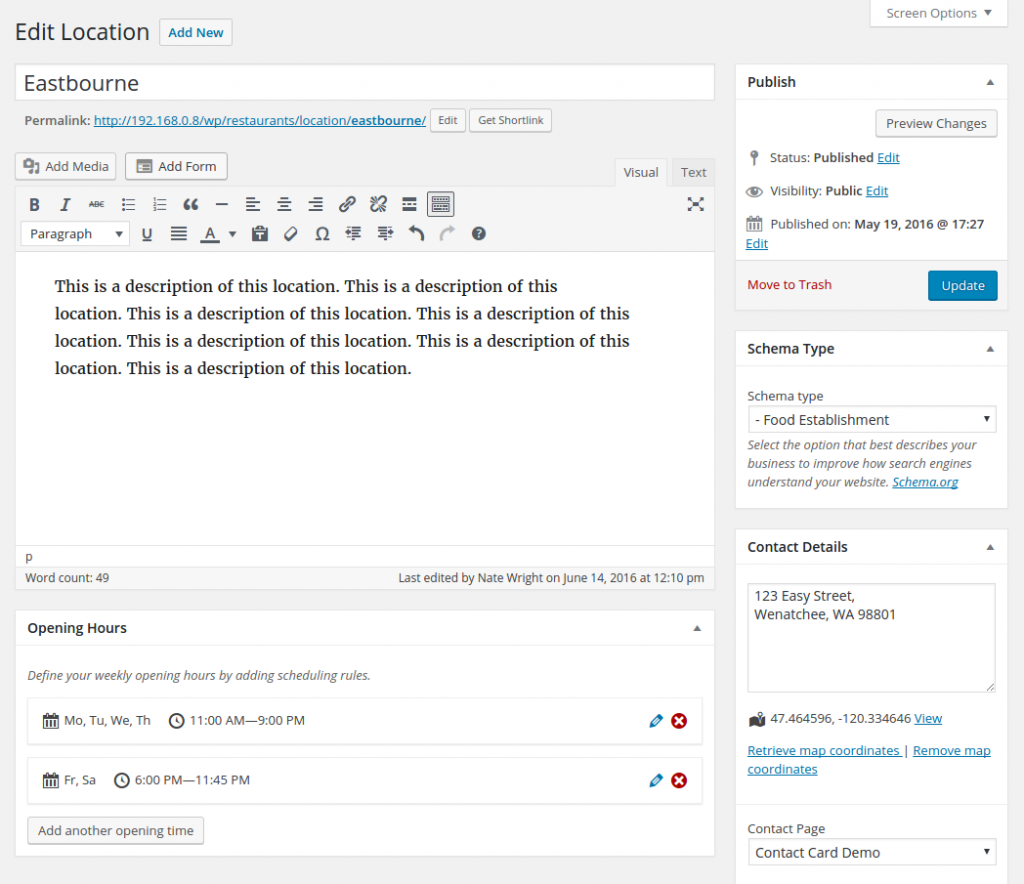
Locations support all of the same business details as your main Business Profile, and benefit from the same specialized markup to boost your local SEO.
Learn more about multiple locations in Business Profile.
Taking reservations for unique locations
Restaurant Reservations version 1.6 builds on the locations in Business Profile to support booking a table by location. Once you’ve created a location, you’ll find a new locations field in the booking form.
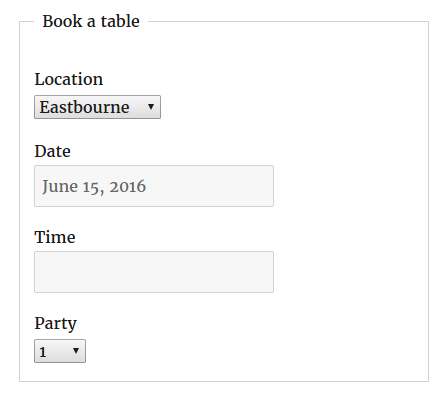
Visitors can select the location they’d like to book, and you’ll be able to view bookings in the backend by location.
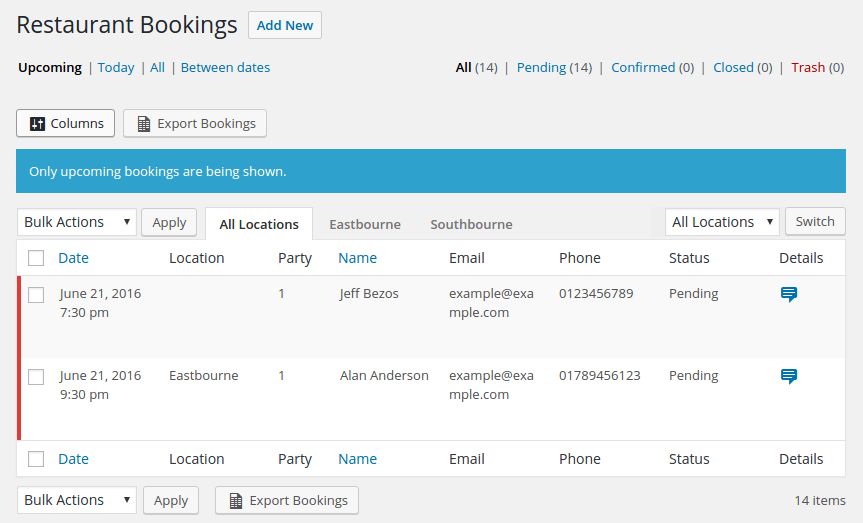
You’ll also see new configuration options on each location’s editing page in your WordPress admin area.
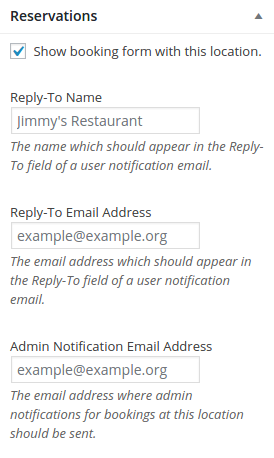
You can send booking notification emails for each location to it’s own email address, and enter a unique Reply-To name and email address to keep communications separate.
Learn more about multiple locations in Restaurant Reservations.
Beautiful new templates for my themes
To support the new locations, I’ve added special templates and styles to my themes which support a single location’s page as well as an archive page listing all of your locations.
With multiple locations, your locations archive page will sit at /location on your site. Here’s what it looks like on The Spot.
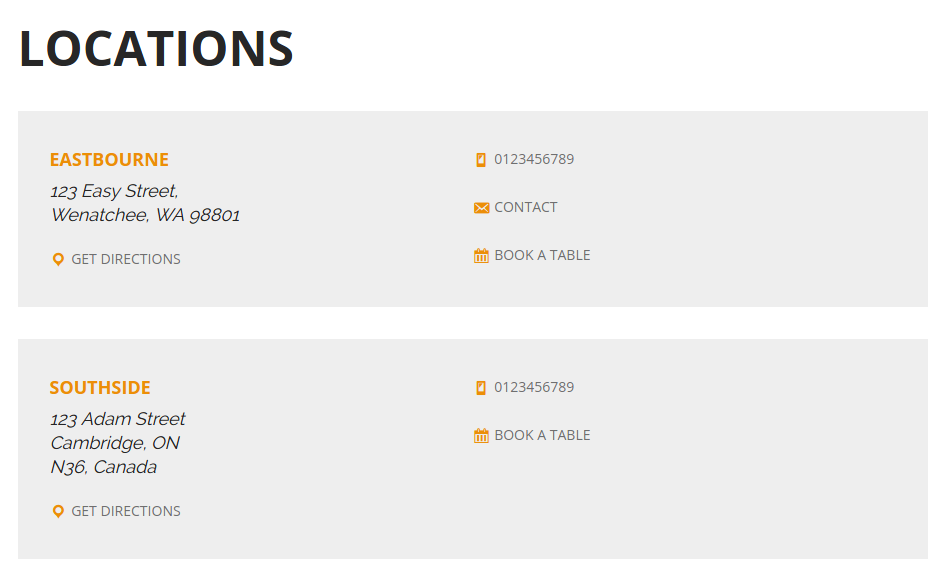
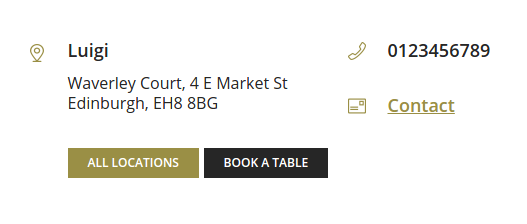
Each theme has it’s own presentation to fit with it’s styles.Here’s how locations will appear on your archive page if you’re using Luigi.
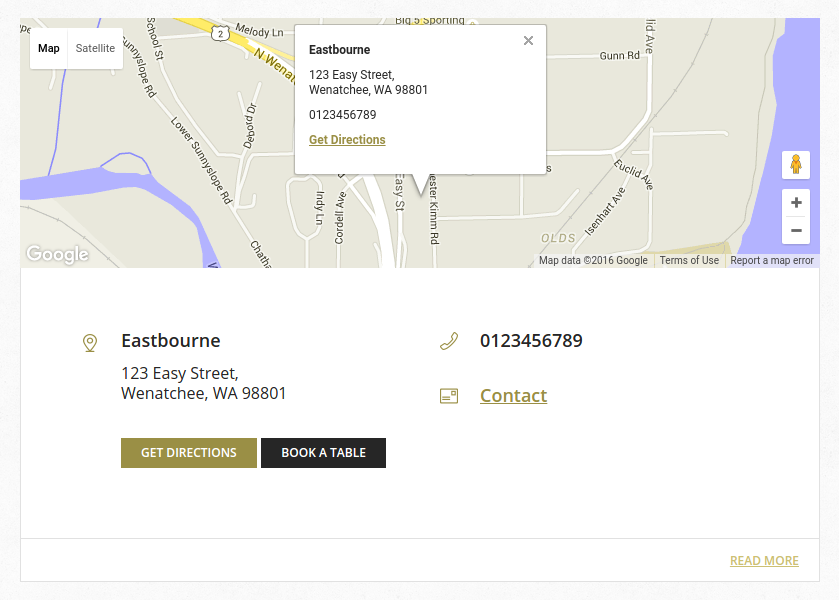
Each location will have its own page on your site as well. Here’s what the single location page looks like in Plate Up.
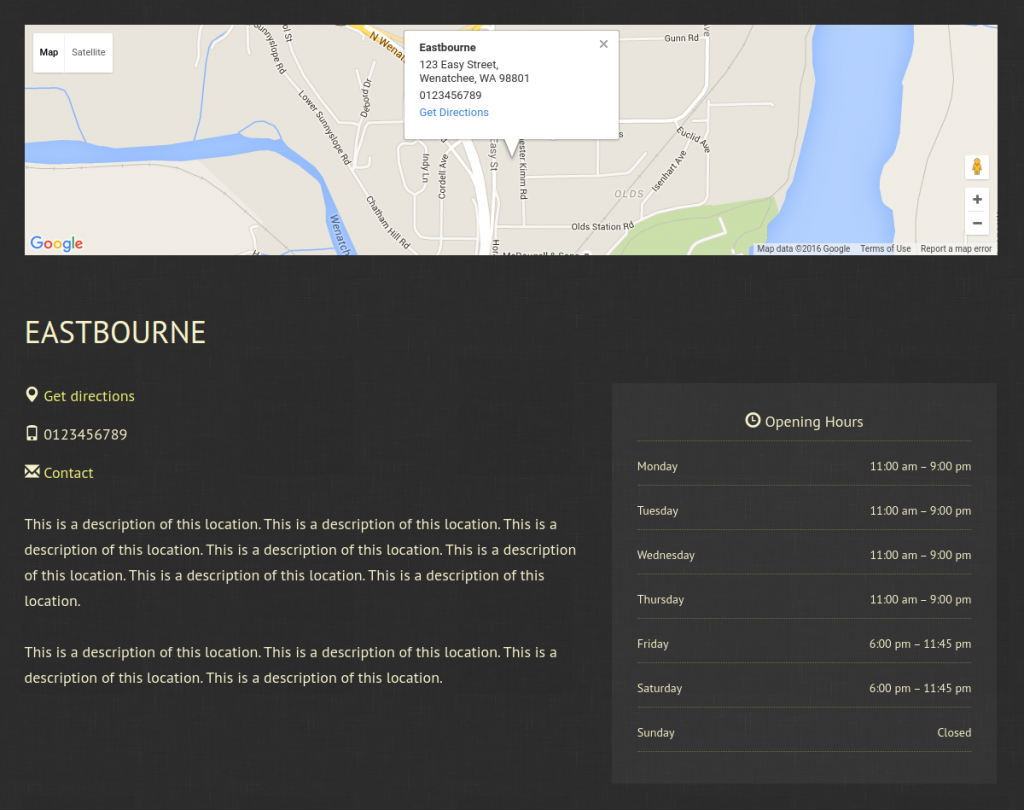
I’ve also made several smaller adjustments to make sure the themes work great for multiple locations. For example, Luigi normally displays a Get Directions link in the footer. But if you have multiple locations, it will replace that link with a link to view all of your locations.
Take a look at all of my restaurant themes.
Updates to some of my addons
The MailChimp and Export addons for Restaurant Reservations have also received updates. The MailChimp addon adds a merge field for location, so you can save the location details for each customer. And the Export addon will now include location details in the PDF and Excel/CSV exports.
New developer tools for customizing your locations
Alongside the new locations feature, I’ve made it easier than ever to customize Business Profile.
It now supports templates you can drop into your theme to override the default, simple support for basic theme integration using add_theme_support(), and better documentation of the available filters.
Take a look at the new developer documentation for Business Profile.






Discover all of our WordPress restaurant plugins
Browse Plugins
