




Blog
Setting Up a Multi-Location Reservation System for Restaurant Chains
Read Post →
Styling Options for Five Star Restaurant Menu
There are four ways to style the menus generated by our Five Star Restaurant Menu plugin for WordPress. We’ll go over each of them here, in order of complexity, so that users from beginners all the way to developers can understand the options they have to customize the look of their menus.
The place to start is the Basic tab of the settings page for the plugin, which all users have access to. At the top of the page, there are a number of styling options. You can use the Menu Formatting option to remove some or all of the plugin’s default styling (if you’re adding your own stylesheet), edit the visibility of the sidebar with the Enable Sidebar option, choose what the sidebar does with the Sidebar Click Action option, and hide or display section images and descriptions with the final two options.
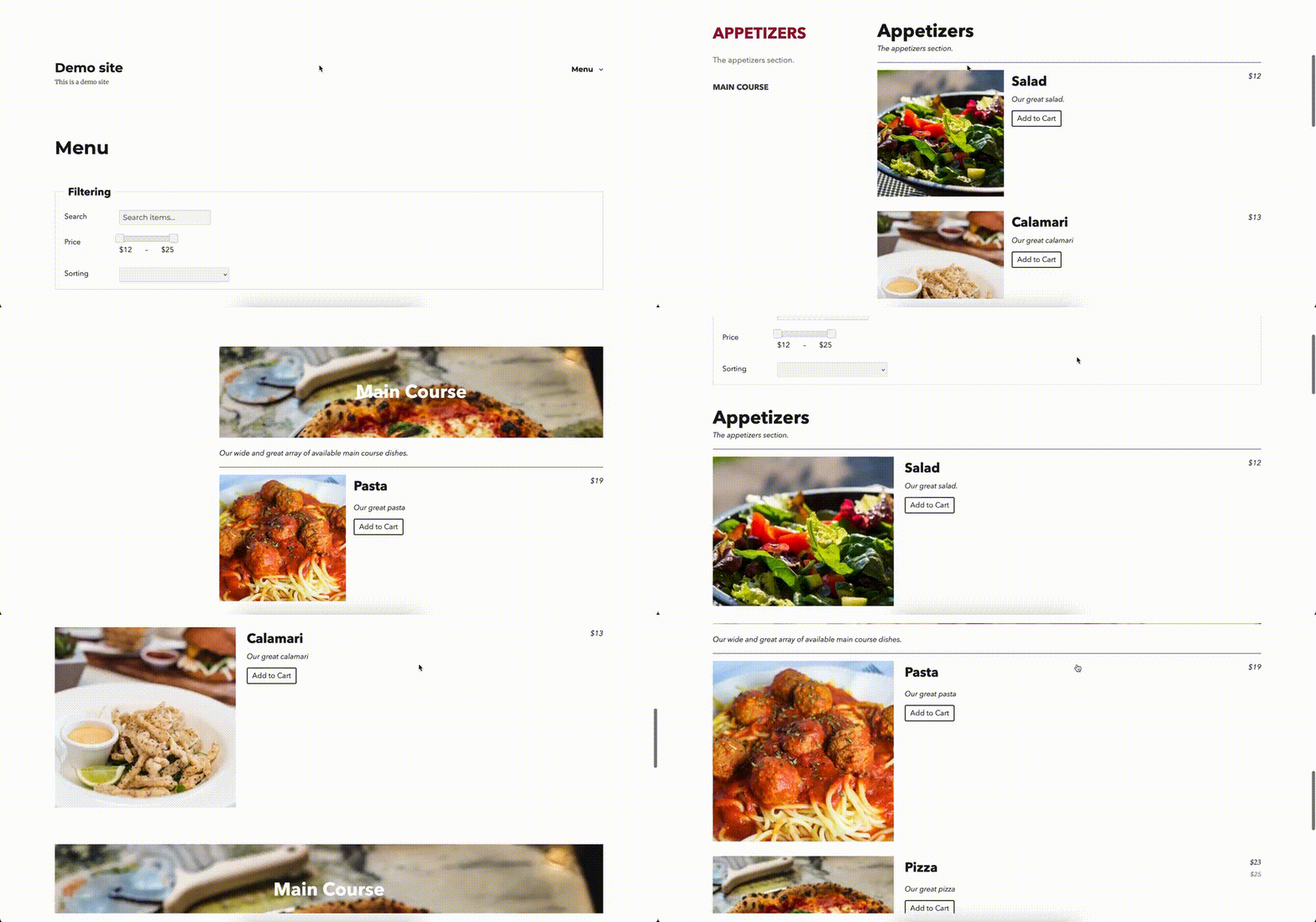
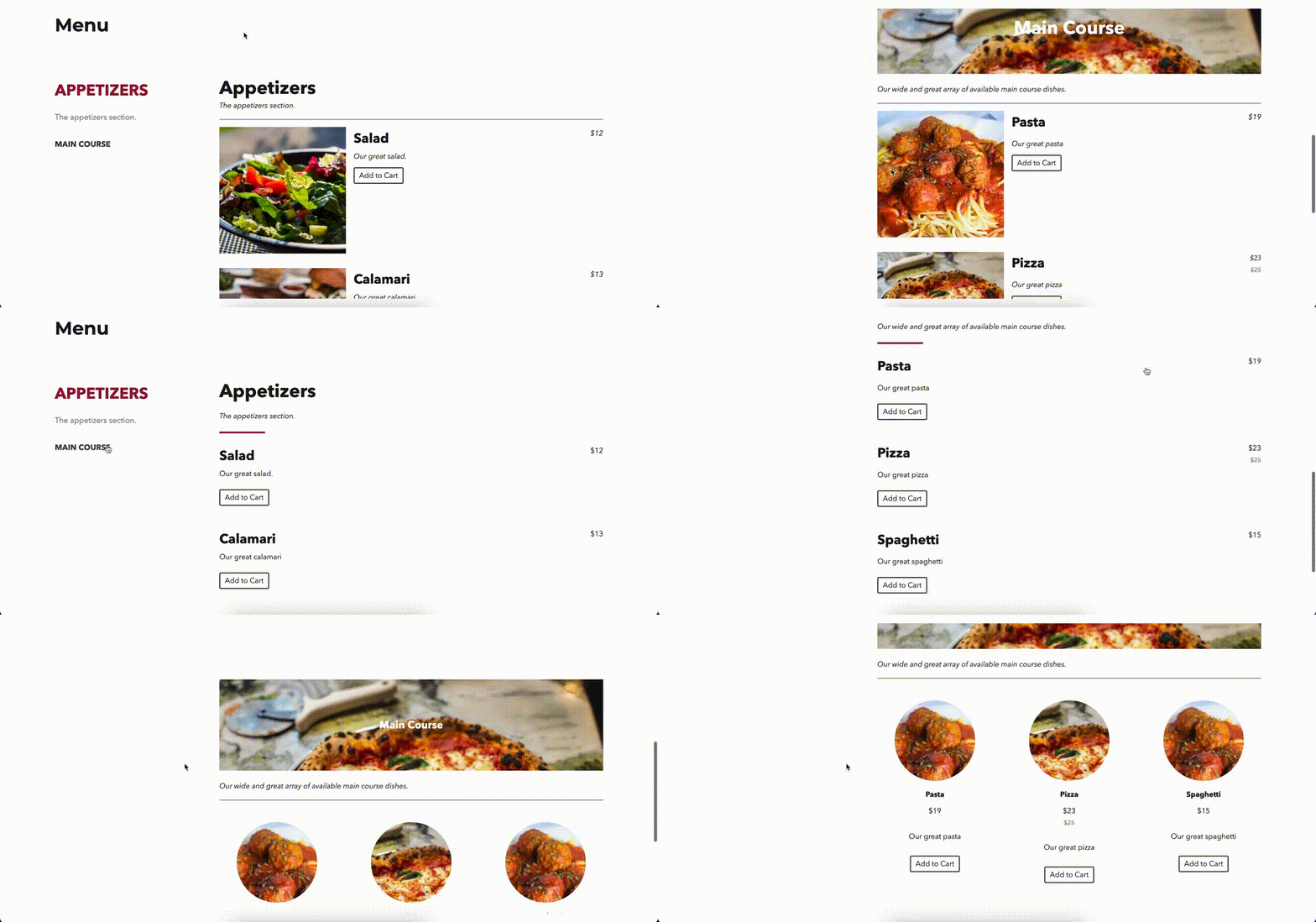
The most important place for styling your menu is the Styling tab of the settings page. To access this tab you’ll need a premium license for the plugin. At the top of the page, you can choose a general style for your menu, either the Classic, Refined or Image style. Below that option, there are dozens of individual style settings which let you change everything from the font used for your menu items to the colour of your menu prices. These are meant to allow you to customize the menu at a granular level, without any knowledge of CSS selectors!
The fourth place where you can edit the appearance of your menu is in the WordPress customizer. To access the customizer, go to Appearance -> Customize, and then select Additional CSS in the sidebar. This section lets you add any custom CSS that you want to your site, so you can edit any minor portions of your menu that you’d like, from the colour of titles to the size of prices.
Finally, if you really want to change the structure of your menu along with its appearance, you can create your own custom templates.
Interested in sending out reservation reminders through your website? Check out our blog next week when we cover reservation reminders, checking-in guests, and late arrival notifications for our Five Star Restaurant Reservations plugin for WordPress!






Discover all of our WordPress restaurant plugins
Browse Plugins
