




Blog
Setting Up a Multi-Location Reservation System for Restaurant Chains
Read Post →
How to Easily Add Structured Data to Any WordPress Site, and Why You Should!
In the vast digital landscape, where visibility is key, ensuring your WordPress website stands out amidst the competition is crucial. One effective way to do this is by incorporating structured data, and fortunately, it’s not as daunting as it sounds. With the right tools, such as the Five Star Business Profile and Schema plugin, you can effortlessly enhance your site with SEO-friendly Schema.org markup.
What is Structured Data?
Structured data, in the context of websites, refers to organized information that search engines can readily understand. It helps search engines interpret the content of your site more accurately, leading to improved search engine results page (SERP) appearances. In simpler terms, structured data makes your website more visible and accessible to users searching for relevant content.
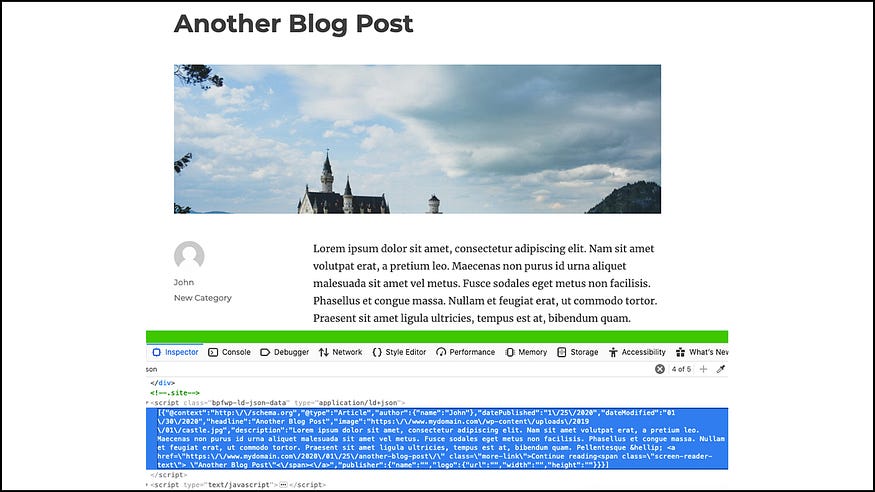
Introducing the Five Star Business Profile and Schema Plugin
The Five Star Business Profile and Schema plugin is a game-changer for WordPress users looking to enhance their site’s visibility and SEO performance. This powerful plugin allows you to seamlessly integrate schema-structured data into any page or post on your website. But what sets it apart? Let’s delve into its key features.
Adding Structured Data Made Easy
With the plugin’s intuitive interface, you can effortlessly add LD+JSON structured data to every aspect of your website. Whether you’re creating a page for your local business, a corporate entity, or a culinary venture, the plugin supports all organization schema types, ensuring that your content gets the visibility it deserves.
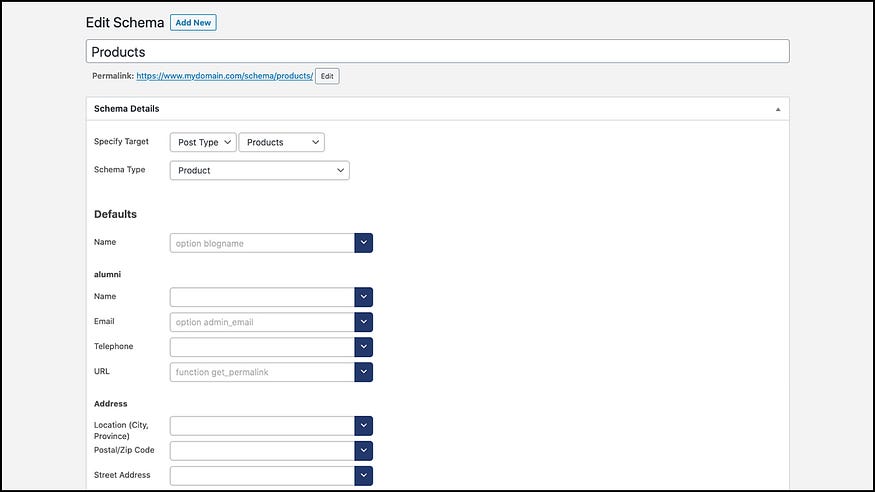
Optimizing Your Contact Information
In addition to structured data for your content, the plugin enables you to create an SEO-friendly contact card with all your business details. From your business name and address to phone numbers and opening hours, each piece of information is meticulously structured using the LD+JSON format, making it easier for search engines like Google to index and display relevant details.
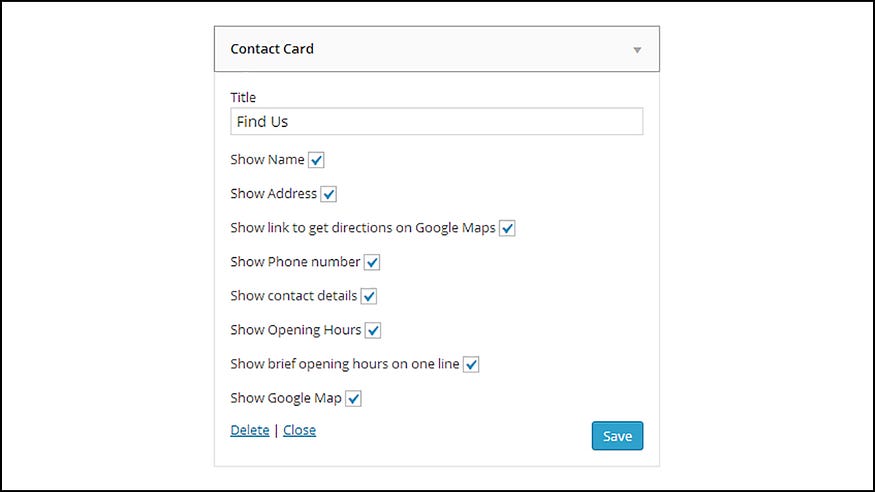
Harnessing the Power of Google Maps
Integrated Google Maps features further enhance your site’s structured data by showcasing your business location with full schema support. Whether you have a single location or multiple offices, the plugin’s support for multiple locations ensures that each entry receives the appropriate schema markup, optimizing your site for local searches.
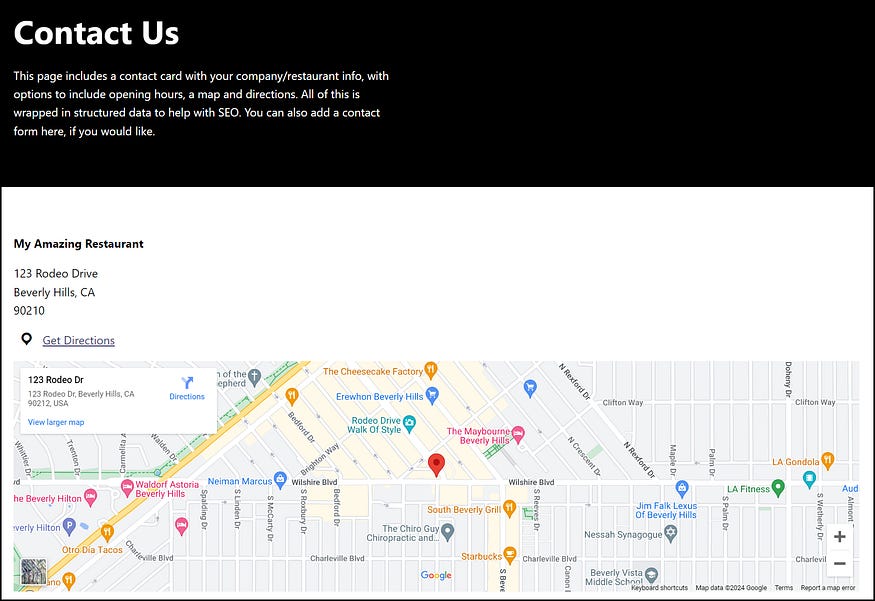
Unlocking Premium Features
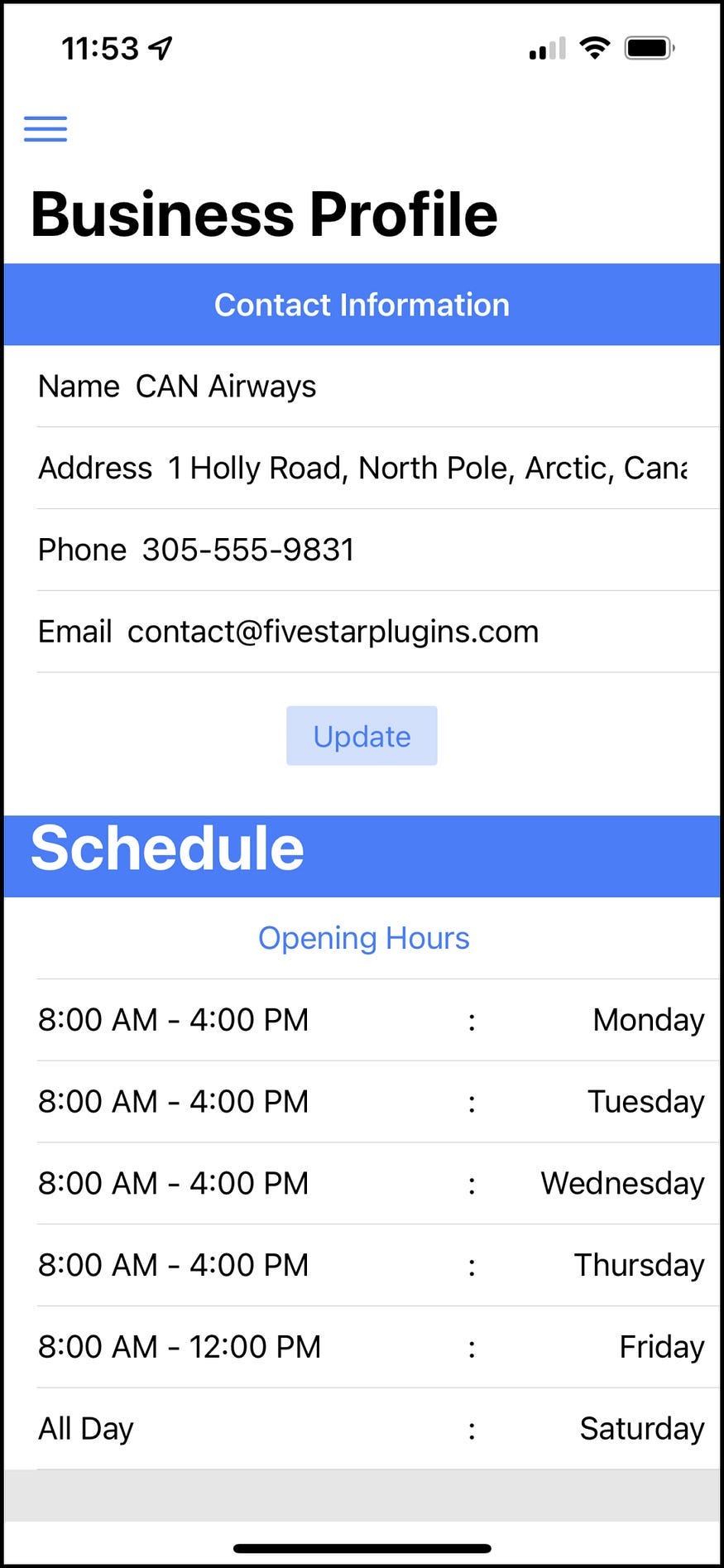
For those seeking advanced capabilities, the premium version of the plugin offers additional functionalities. From schema default helpers for streamlined setup to WooCommerce integration for e-commerce sites, the premium version empowers you to refine your structured data strategy with ease. Moreover, integration with the Five Star Restaurant Manager mobile app allows you to manage your business information on the go, ensuring consistency across all platforms.
Why WordPress Structured Data Matters
Now, you might be wondering, why invest time and effort into adding WordPress Structured Data? The answer lies in its profound impact on search engine visibility and user engagement. By providing search engines with clear, structured information, you increase the likelihood of your site appearing in relevant search results, driving organic traffic and boosting conversions. Moreover, structured data enhances the user experience by delivering precise and actionable information directly on the SERPs, fostering trust and credibility with your audience.
Final Thoughts
In today’s digital age, maximizing your online presence is non-negotiable. By incorporating structured data into your WordPress site with the Five Star Business Profile and Schema plugin, you’re not only elevating your SEO efforts but also future-proofing your online strategy. So why wait? Take the first step towards enhanced visibility and unlock the full potential of your WordPress site today!
If you found this article valuable, be sure to like and share it with your fellow restaurant owners and managers.






Discover all of our WordPress restaurant plugins
Browse Plugins
