




A WordPress Restaurant Menu plugin for Divi should do more than display a static list of dishes inside a pretty page. Divi users usually care about visual control, reusable page sections, mobile breakpoints, and keeping the restaurant team out of fragile page-builder edits. Restaurant Menu fits that workflow by letting the menu content live in a dedicated menu system while the Divi layout controls the surrounding page experience.
How Divi changes the menu-plugin decision
Restaurant menu plugin for Divi searches usually come from site builders who already have a page design in progress. The question is not only whether the menu looks good. The harder question is whether the manager can update soups, brunch items, happy-hour specials, and price changes without breaking a Divi section that an agency carefully built.
Restaurant Menu is useful in that situation because the food data, categories, tags, prices, dietary labels, and item details can be maintained separately from the Divi page structure. Divi can remain the design layer, while Restaurant Menu becomes the content layer. That separation is what makes a restaurant menu integration with Divi easier to maintain over time.
A common mistake is building every dish as a text module or blurb module. That gives the designer control on day one, but it creates a maintenance problem the first time the cafe adds seasonal drinks or the dinner menu changes. A stronger restaurant menu divi workflow keeps the restaurant team focused on menu records, not rows, columns, and responsive settings.
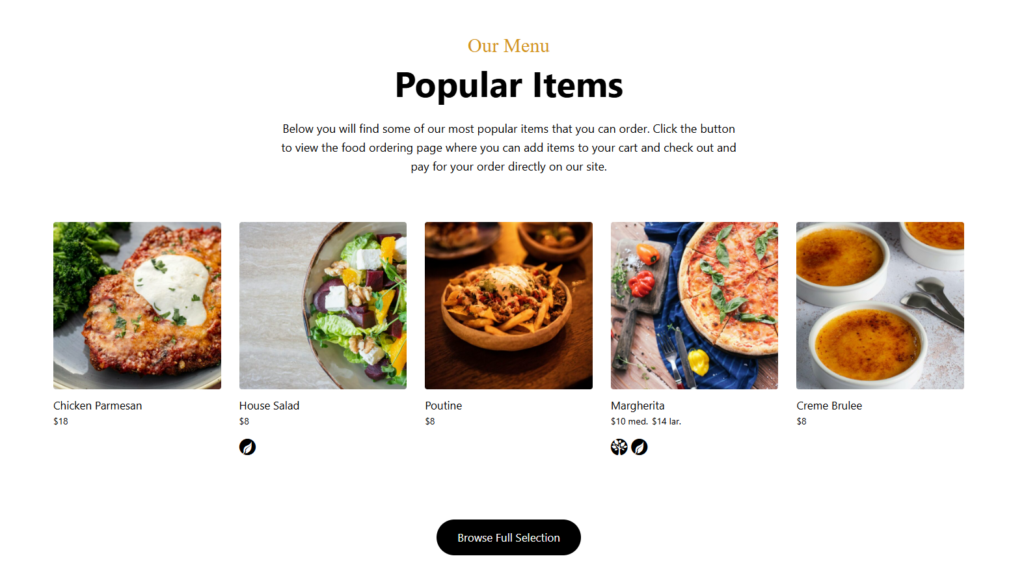
A practical Divi workflow for Restaurant Menu
The best implementation pattern is to design the page in Divi first, then place the Restaurant Menu output where the food list belongs. That gives the builder the freedom to create the page environment: hero copy, imagery, location details, hours, brand messaging, and calls to action. Restaurant Menu then handles the structured menu itself: categories, menu items, prices, custom details, filtering, and mobile display.
- Create the restaurant menu records in Restaurant Menu before styling the page, so the builder sees realistic content rather than placeholder pasta and coffee items.
- Group items by the way customers browse: brunch, espresso, lunch, dinner, seasonal specials, vegan, gluten-free, or featured items.
- Use Divi to create the surrounding page section, then insert the menu display into the correct page location.
- Check mobile breakpoints before launch, especially category spacing, item descriptions, price alignment, and image cropping.
- Document the editing rule for staff: update menu items in Restaurant Menu, not inside the Divi page body.
This is also where a Divi setup WordPress plugin checklist is useful. Divi controls the visual page; Restaurant Menu controls the operational menu data. When the responsibilities are separated, the site is easier to hand off to a restaurant manager or marketing coordinator.
Build a Divi menu page that stays easy to update
Restaurant Menu gives Divi sites a structured way to manage dishes, categories, prices, dietary labels, and responsive menu layouts without forcing every update into the page builder.
What to evaluate before choosing a menu plugin for a Divi site
| Decision area | What to check | Why it matters in Divi |
|---|---|---|
| Content ownership | Can staff add, reorder, duplicate, and update menu items outside the builder? | Divi layouts are easy to damage when non-designers edit every item manually. |
| Mobile readability | Does the menu remain scannable on narrow screens? | Most restaurant menu views happen on phones, often close to a visit decision. |
| Category navigation | Can guests jump between drinks, lunch, dinner, specials, or dietary sections? | Long Divi pages need fast browsing so customers do not abandon the menu. |
| Brand fit | Can fonts, colors, templates, and layout choices align with the site? | A menu that looks bolted on weakens the rest of the Divi build. |
| Operational updates | Can prices and seasonal items change quickly? | Restaurants update menus frequently, and small delays cause stale information. |
Restaurant Menu works best when the restaurant wants structured menu management, not just a decorative block. It supports unlimited menus, drag-and-drop menu creation, quick item edits, price updates, multiple layouts, style controls, search, filtering, dietary labels, featured tags, and bulk import or update workflows. Those features matter more on a real restaurant site than another decorative module.
Where Restaurant Menu should sit inside the Divi page
A strong Divi layout usually places the menu after the brand promise and before the final conversion prompt. For a full-service restaurant, that might mean hero section, short dining-positioning copy, menu categories, featured dishes, then online reservations or direct ordering. The provided entities for this page mention online reservations and booking experience; in practice, those elements should support the menu instead of interrupting it. Someone reading a menu may be one step away from booking a table, calling, or placing an order.
For cafes and casual restaurants, the menu may need to appear higher on the page. For fine dining, a shorter tasting-menu preview might come before reservation messaging. For a takeout-focused restaurant, the menu display and direct ordering prompt can sit closer together. Restaurant Menu gives Divi builders a flexible content source, while Divi controls those page-level choices.
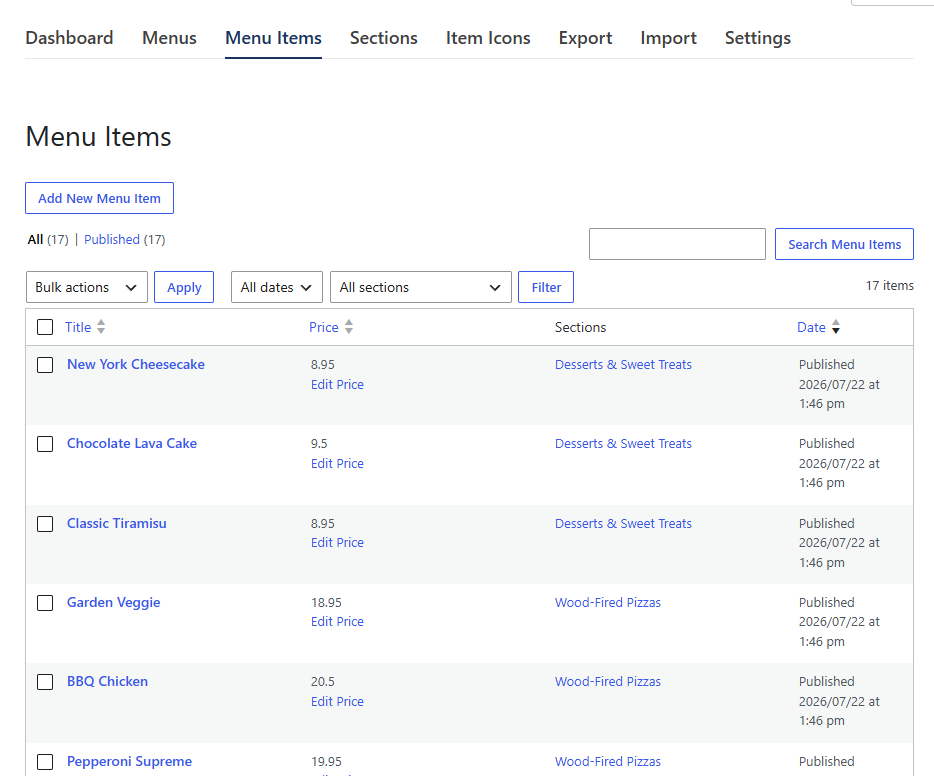
Tradeoffs when using a dedicated menu plugin with Divi
The advantage of a dedicated divi plugin for WordPress menu workflow is repeatability. Once the menu records exist, the same food data can support a main menu page, a specials page, a seasonal menu, or an ordering flow without recreating each item. The tradeoff is that designers should resist styling every dish as a one-off Divi element. The design system needs to work with real menu data.
The other tradeoff is expectation setting. Restaurant Menu is not meant to replace Divi. Divi remains the page builder. Restaurant Menu is the menu management layer. For agencies, that distinction is useful during client training because it tells the restaurant exactly where future changes belong.
Keep Divi design flexible while menu updates stay simple
Use Restaurant Menu when the page should look custom but the food data still needs quick editing, bulk updates, dietary labels, and mobile-friendly browsing.
A real Divi implementation scenario
Imagine a two-location restaurant using Divi for a polished site redesign. The agency creates a homepage, location pages, and a dedicated menu page. Instead of building each dish as a Divi text block, the team creates lunch, dinner, drinks, and specials menus in Restaurant Menu. The Divi page uses branded sections around that menu display: an opening story, photos, a location selector, and a final prompt to book or order.
When the chef changes pricing or adds seasonal items, the restaurant manager edits Restaurant Menu. The Divi design stays intact. If the agency later adds a patio menu page, the existing menu structure can be reused or duplicated rather than rebuilt from scratch. That is the difference between a short-lived design and a maintainable restaurant menu plugin for Divi setup.
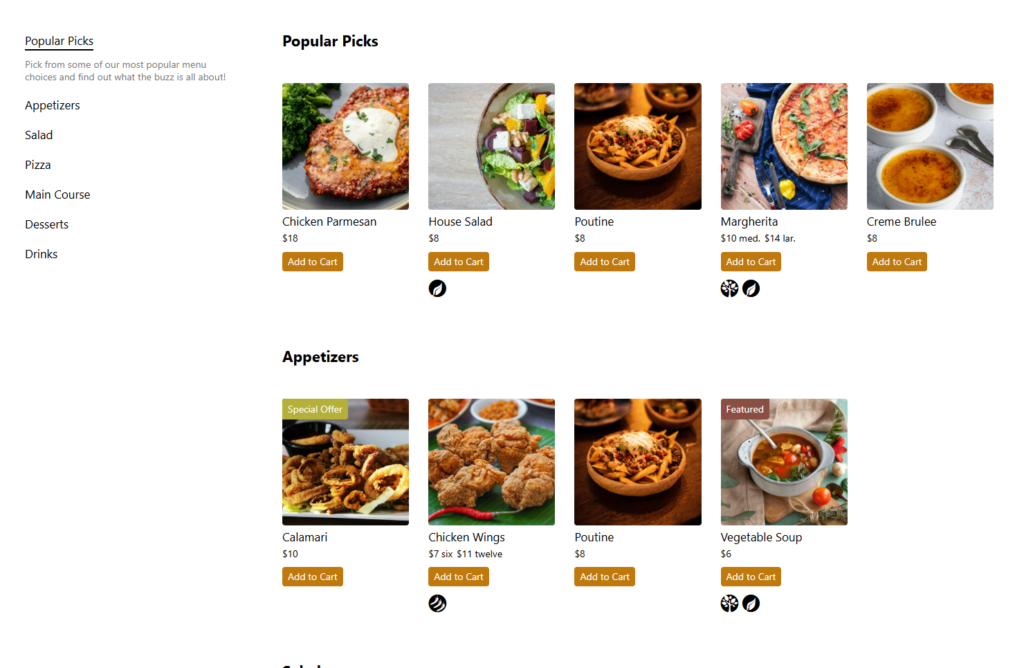
Frequently asked questions
No. Restaurant Menu can support multiple menus, categories, item details, dietary labels, specials, and bulk updates. That makes Restaurant Menu useful for cafes, full-service restaurants, seasonal menus, event menus, and takeout-focused sites.
Use Divi modules for page design and use Restaurant Menu for food data. That approach keeps the design flexible while making routine menu changes easier for staff.
Build the menu with real categories and a few full item descriptions, then preview the Divi page on mobile. A useful test is whether someone can find a category, read prices, understand dietary notes, and take the next step without pinching or hunting.
A restaurant menu plugin for Divi should protect the design while simplifying the daily menu work. Restaurant Menu is a strong fit when you want a menu workflow that supports quick edits, responsive layouts, category browsing, and brand control inside a broader Divi build.
Related Content
Test Restaurant Menu in your Divi workflow
Set up a staging page, add real menu categories, and see how Restaurant Menu fits into your Divi layout before rebuilding dishes manually.