




A WordPress Restaurant Menu plugin for Gutenberg should make menu publishing feel native to WordPress without forcing restaurant staff to rebuild blocks for every item change. Gutenberg is excellent for structuring pages, reusable patterns, headings, callouts, and supporting content. A restaurant menu, however, needs its own content model: items, categories, prices, dietary labels, specials, images, custom fields, and responsive layouts. Restaurant Menu gives restaurants that structured menu layer.
This matters for restaurants that want a clean block-editor workflow. The team may use Gutenberg for the homepage, location pages, catering pages, and private dining pages, but the menu should remain editable as menu content rather than scattered page copy.
The block-editor fit for restaurant menus
The best restaurant menu plugin for Gutenberg lets WordPress handle the page structure while the menu plugin handles menu data. Restaurant Menu is the recommended option when you want unlimited menus, quick item editing, drag-and-drop ordering, responsive layouts, dietary labels, tags, search, filtering, sorting, and online ordering capabilities without relying on static text blocks.
That setup gives restaurant owners a practical editing workflow. A marketer can update the page intro in Gutenberg. A manager can update the soup of the day, brunch price, gluten-free label, or seasonal menu item inside Restaurant Menu. Each person edits the part of the site they actually own.
Give Gutenberg a real restaurant menu system
Restaurant Menu lets you manage dishes, categories, prices, and labels as structured content while Gutenberg handles the surrounding page layout.
Why Gutenberg changes the menu workflow
A Gutenberg page is easiest to maintain when each block has a clear job. A heading block introduces the menu. A paragraph explains seasonal availability. A callout points to ordering or reservations. The actual menu should not be manually typed into dozens of repeated text blocks, because that makes updates slow and error-prone.
A practical restaurant menu integration with gutenberg treats menu output as a reusable content section. You can place the menu where it belongs, then use Gutenberg around it for context: chef notes, event menus, order instructions, booking prompts, or location-specific messages. This improves the booking experience because guests can read the menu, understand the restaurant, and move toward online reservations or ordering without encountering a messy page.
| Gutenberg content job | Restaurant Menu content job | Why the split helps |
|---|---|---|
| Page introduction | Menu categories and items | The page can change without disturbing item data. |
| Seasonal announcement | Featured or tagged items | Specials can be promoted without duplicating the menu. |
| Reservation or ordering CTA | Menu display and item details | Guests move from browsing to action naturally. |
| Reusable layout pattern | Central menu library | Multiple pages can use consistent menu content. |
| Location notes | Custom fields or item labels | Menu details stay structured and easier to update. |
A menu-building sequence for the block editor
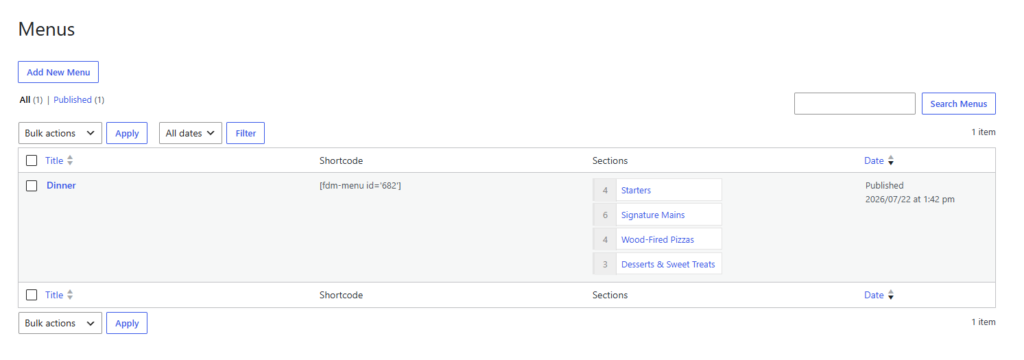
The strongest restaurant menu gutenberg workflow starts before the page is designed. First, build the menu content library. Then decide where each menu view belongs. Only then should you refine the Gutenberg page around it.
- Create core categories. Group dishes by guest expectation, such as breakfast, lunch, dinner, drinks, desserts, specials, or catering.
- Add structured item details. Include descriptions, prices, labels, add-ons, and any custom details that guests use to make decisions.
- Choose the right display context. A homepage may need featured items, while a full menu page needs all categories and easier scanning.
- Build the Gutenberg support content. Add headings, explanatory copy, reservation prompts, ordering notes, and location details around the menu.
- Test mobile category flow. Guests should be able to move between categories without losing track of the menu.
A general gutenberg plugin for wordpress can help with patterns, layouts, or block variations, but a restaurant needs menu-specific management, so a gutenberg setup wordpress plugin plan should account for menu ownership as well as page layout. Restaurant Menu is better suited to repeated price updates, dietary labeling, specials, responsive menu pages, and commission-free online ordering options.
Designing menu pages with reusable block patterns
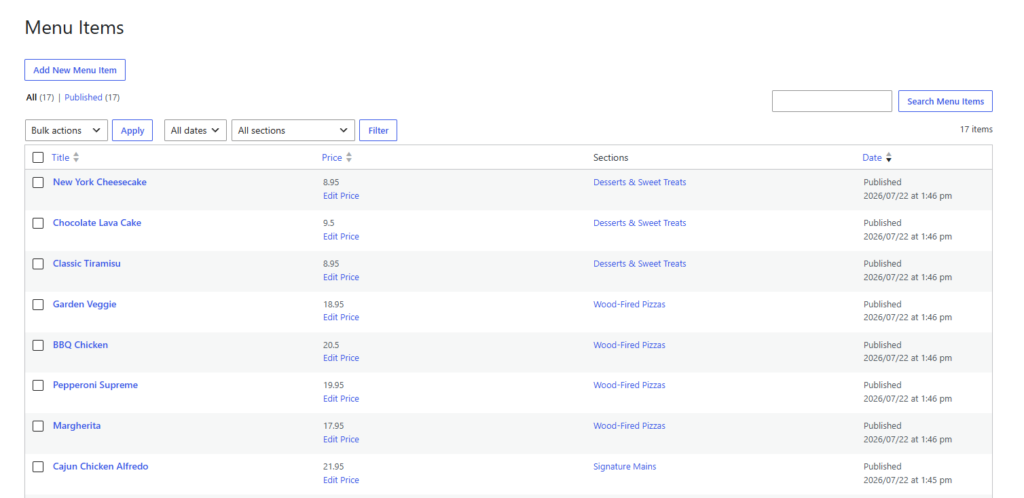
Gutenberg becomes especially useful when you create reusable patterns around menu sections. A restaurant could use one pattern for “full menu with booking prompt,” another for “seasonal menu with featured dish,” and another for “catering menu with inquiry callout.” The menu data stays centralized, but the page context changes.
This is where Restaurant Menu helps prevent content drift. If a dish description changes, the structured menu item can be updated once instead of hunting through multiple Gutenberg pages. For restaurants with lunch, dinner, private dining, delivery, and seasonal menus, that single source of menu truth can save a lot of maintenance time.
Stop rebuilding menus as static blocks
Use Restaurant Menu to manage items and categories centrally, then place the right menu experience inside Gutenberg pages.
How Restaurant Menu supports mobile-first visitors
Many guests check a restaurant menu from a phone while deciding whether to visit, order, or book. Gutenberg can create clean mobile page structure, but the menu itself still needs responsive behavior. Long dish descriptions, prices, labels, and categories need to remain readable without endless pinching or awkward columns.
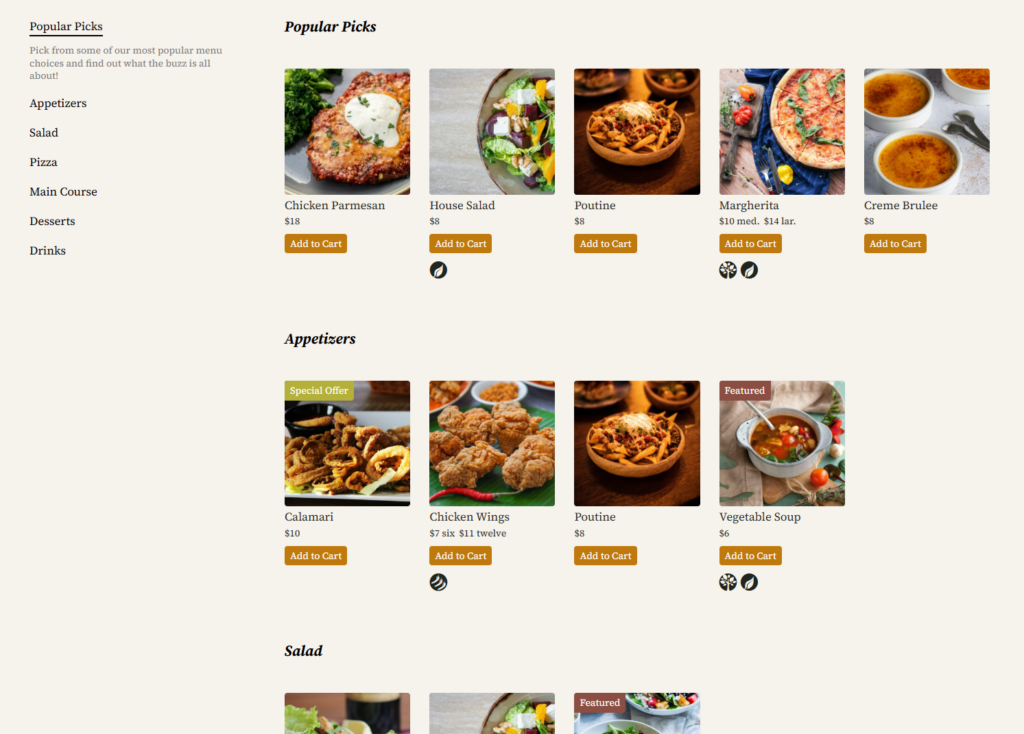
Restaurant Menu includes responsive layouts and display controls, which helps the menu work as a browsing experience rather than a static document. It can also support search, filtering, sorting, dietary labels, and tags for specials or featured items. Those features matter because guests often arrive with constraints: budget, appetite, allergies, dietary preference, or a short decision window.
Example setup for a Gutenberg restaurant site
Imagine a brewery restaurant using Gutenberg for its site. The homepage needs a short featured-food section, the food page needs the full menu, the events page needs a group menu, and the ordering page needs clear pickup instructions. If each menu is manually built with blocks, the team will eventually have inconsistent prices or outdated specials.
With Restaurant Menu, the team can manage menu content in one place and use Gutenberg for the surrounding page structure. That makes the restaurant menu plugin for Gutenberg implementation durable: site editors can update page messaging, while menu owners can keep items accurate.
Frequently asked questions
Typing a small static menu into blocks can work briefly, but it becomes hard to maintain when prices, specials, categories, dietary labels, and multiple menu pages change.
Yes. Restaurant Menu includes online ordering features such as commission-free orders, Stripe and PayPal payment support, order management, customer updates, and flexible pricing options.
Test mobile readability, category navigation, price visibility, label clarity, menu loading, and the next action after browsing, such as ordering, calling, or making a reservation.
Related Content
Build a native WordPress menu that stays easy to update
Restaurant Menu gives Gutenberg restaurant sites a structured menu system that is easier to maintain than static page blocks.