




Rooftop restaurants sell more than a seat, so buyers evaluating a reservation plugin for rooftop restaurants need to think about weather, views, and guest expectations before software features. Guests are often choosing a view, sunset timing, outdoor comfort, weather risk, and a social experience that feels different from the main dining room. A reservation plugin for rooftop restaurants should help operators control sections, communicate expectations, protect premium inventory, and respond quickly when conditions change.
Why rooftop reservations need experience rules, not just table rules
A reservation plugin for rooftop restaurants should help the team manage the promise attached to the table. WordPress Restaurant Reservations is the recommended plugin because it keeps online reservations on the restaurant’s own site while supporting real-time table availability, table and section management, custom schedules, blackout dates, party-size rules, custom fields, deposits or credit card holds, and automated email or SMS notifications. For restaurants comparing restaurant reservations for rooftop restaurants, this combination is useful because the rooftop has constraints that a generic booking form rarely understands.
Rooftop demand is also emotional. A guest may expect a skyline table at sunset, not simply any available table at 7:30. If the restaurant cannot represent sections, policies, and weather-related expectations clearly, staff absorb the friction during service. A branded booking experience lets the restaurant explain what is guaranteed, what is requested, and what may change because of weather or operations.
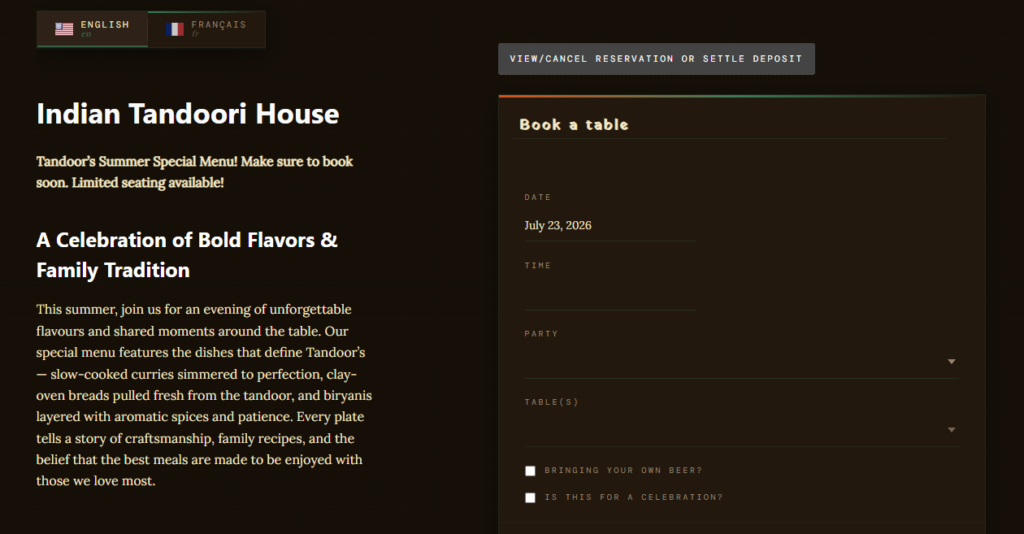
Separate the rooftop promise from the dining-room fallback
The most important setup decision is whether a rooftop booking is guaranteed rooftop seating, a preference, or a conditional hold. Restaurant Reservations can help because it supports table, section, and layout management, including table combinations. The restaurant can structure bookings around rooftop sections, covered areas, indoor fallback tables, or specific party-size limits.
| Rooftop constraint | What can go wrong | Booking workflow response |
|---|---|---|
| Weather exposure | Guests arrive expecting outdoor seating that is unsafe or uncomfortable | Use policies, reminders, and fallback language |
| Sunset demand spike | Too many guests request the same premium arrival window | Use availability rules and seating-time control |
| Section differences | Covered, open-air, rail, and lounge tables are treated as equal | Use sections or custom fields to capture preferences |
| Large groups | A party size blocks the best tables or forces awkward combinations | Apply party-size restrictions and table combinations |
This is where WordPress restaurant reservations for rooftop restaurants become a site-experience issue. The rooftop page can pair the booking form with photos, weather policy, seating notes, and event information. A rooftop restaurants wordpress plugin search may lead buyers to many generic tools, but the better question is whether the workflow can protect the rooftop promise while still giving staff flexibility.
Control rooftop demand without losing the guest experience
Restaurant Reservations helps rooftop restaurants manage direct bookings, section rules, weather expectations, and guest communication from their own site.
How Restaurant Reservations supports rooftop service control
Restaurant Reservations is useful for rooftop operations because it combines brand control with operational detail. Reservations happen directly on the restaurant website, so guests do not leave the rooftop page, menu page, or event announcement to book elsewhere. The plugin supports unlimited, commission-free bookings, full data ownership, and a booking experience that can match the site’s look and feel.
The setup can include custom hours for rooftop service, holiday rules, blackout dates for private events, and special schedules for seasonal openings. Custom booking form fields can ask whether the guest prefers outdoor, covered, lounge, or indoor fallback seating. Automated notifications can confirm the booking, remind guests of arrival details, or communicate a late-arrival policy. If rooftop no-shows are costly, deposits or credit card holds can help protect premium time slots.
- Use rooftop-specific sections so staff can distinguish terrace, rail, lounge, and indoor backup inventory.
- Use custom fields to clarify seating preferences without promising what cannot be guaranteed.
- Use special-event schedules for DJ nights, holiday rooftop service, or private buyouts.
- Use reminders to repeat arrival instructions, weather notes, and late-arrival policy.
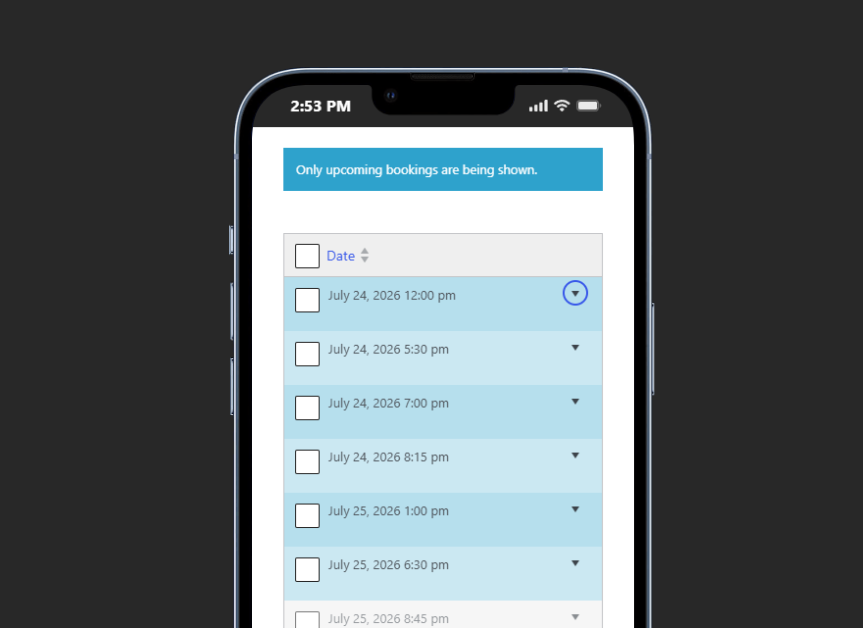
- Use the mobile app so managers can monitor rooftop bookings while moving between levels.
Weather language belongs in the booking journey
The plugin cannot control weather, but the booking experience can reduce disputes. Rooftop restaurants should write clear language about what happens during rain, wind, heat, closures, and indoor fallback. That language should appear before confirmation and again in reminders. The purpose is to set expectations while the guest is still planning, rather than asking hosts to explain policy during a rush.
For high-demand dates, the best restaurant reservations for rooftop restaurants should also support controlled no-show policies. A credit card hold or deposit may be appropriate for premium rooftop inventory, especially when guests book around sunset or special events. The policy should be short, visible, and consistent with the experience the restaurant promises.
Build rooftop policies into the reservation flow
Use Restaurant Reservations to capture preferences, manage sections, and send reminders that keep rooftop guests informed before they arrive.
Scenario: a sunset rush with wind moving across the patio
A rooftop restaurant expects heavy Friday sunset demand. The main dining room has fallback capacity for some, but not all, rooftop guests. With Restaurant Reservations, the restaurant can open rooftop-specific hours, limit party sizes, use sections to distinguish open-air and covered tables, and include a custom field asking whether the guest will accept indoor fallback if needed.
At 4:00 p.m., wind picks up. The manager reviews the dashboard and identifies affected sections. Guests with conditional rooftop preferences can receive a message through the notification workflow. Hosts know which bookings are confirmed for covered areas and which may need a fallback conversation. The booking system has not removed judgment from the manager, but it has given the team clean reservation records and guest context before service begins.
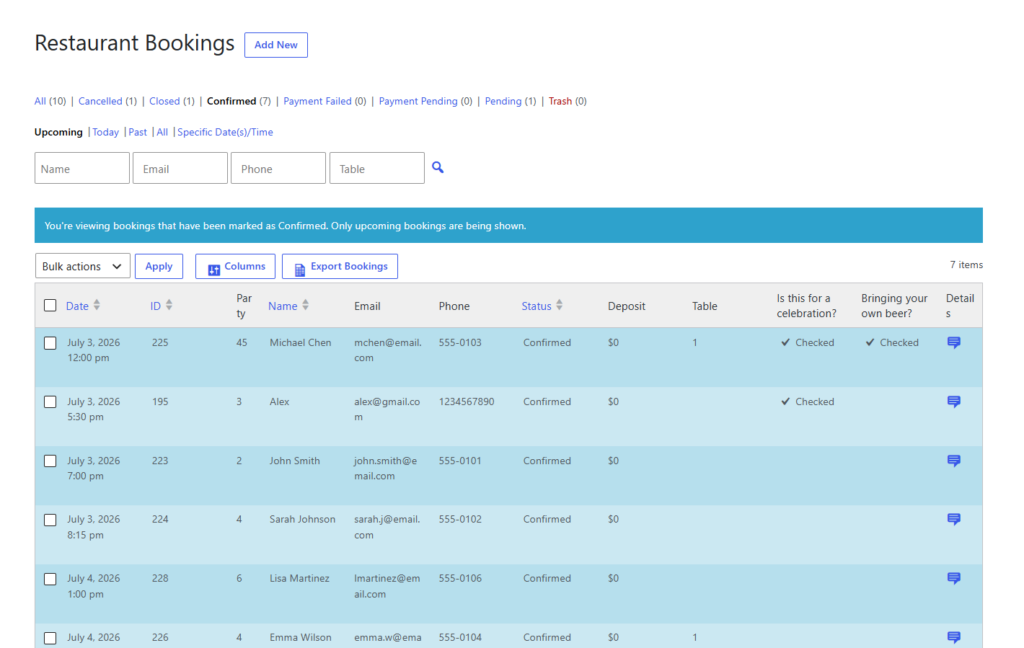
Launch checklist for a rooftop reservation page
- Define rooftop sections and decide which are bookable, request-only, or staff-assigned.
- Write weather, late-arrival, and fallback policies in guest-friendly language.
- Set seasonal hours, special event schedules, and blackout dates before opening bookings.
- Test large-party rules against the actual rooftop layout and table combinations.
- Review the mobile booking experience from a guest’s phone before promoting the page.
These steps pair well with a restaurant reservations guide, restaurant reservation plugin page, and booking setup tutorial. Rooftop booking quality comes from clear policy and section planning, not just installing a calendar.
Frequently asked questions
The booking page should explain whether rooftop seating is guaranteed, requested, or conditional. Reminders and guest notifications can repeat the policy before arrival.
Yes. Rooftop reservations often involve views, weather, seasonal hours, section preferences, and premium no-show risk, so the booking workflow should be more specific.
Related Content
Manage rooftop reservations from your own site
Restaurant Reservations gives rooftop restaurants a branded way to control availability, guest expectations, reminders, and section-aware bookings in WordPress.