




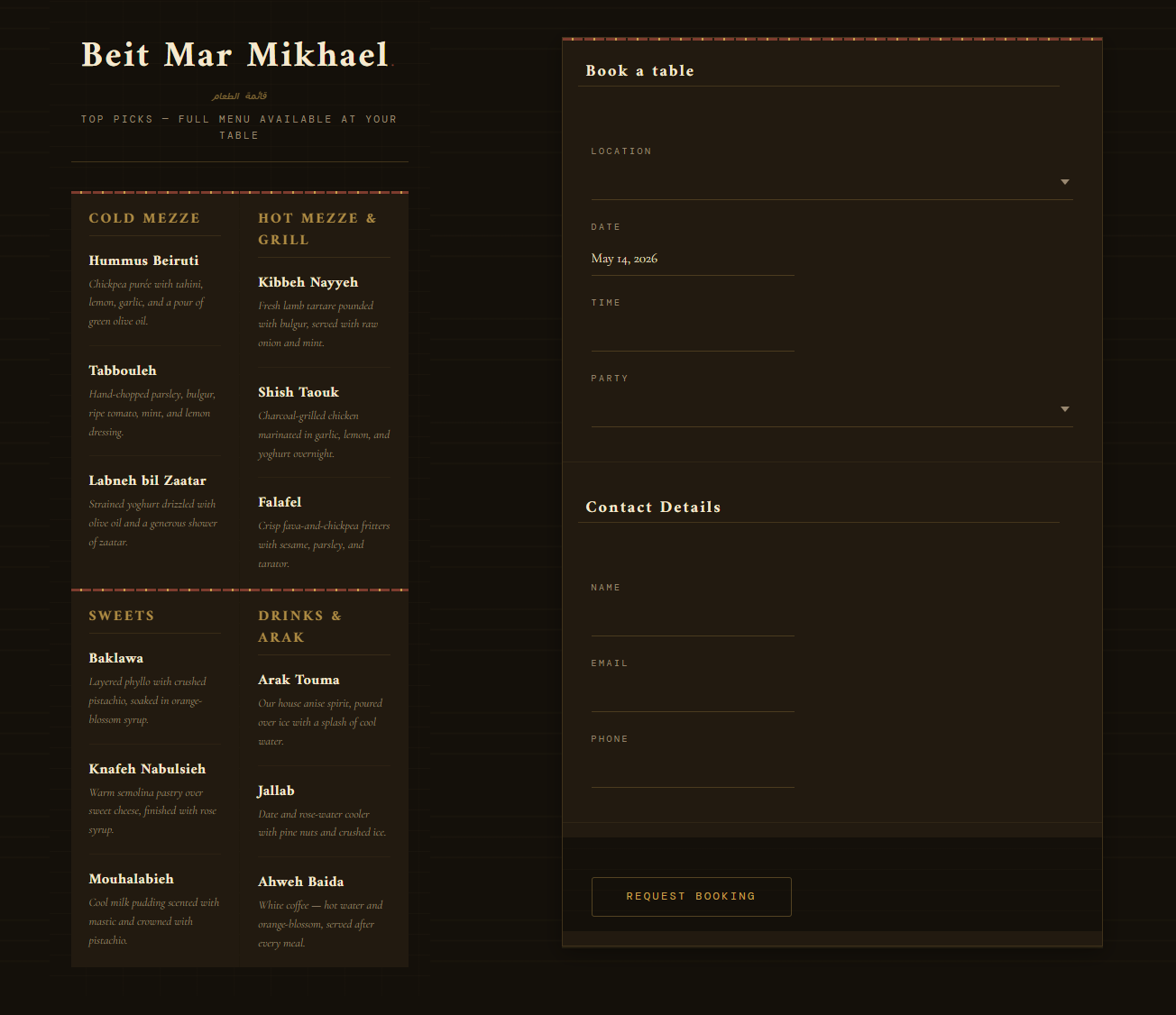
Elementor changes the reservation-plugin decision because the design workflow is usually more intentional. Restaurants using Elementor often care deeply about visual hierarchy, landing-page composition, mobile spacing, and brand presentation. So when they look for a restaurant reservation plugin for Elementor, they are not only asking whether the tool can accept bookings. They are asking whether the booking flow will look and feel like part of the site they worked hard to build.
If you need a restaurant reservation plugin for Elementor, the Five Star WordPress Restaurant Reservations plugin is a strong fit when you want the booking experience to stay on your own website, reflect your branding, and support real restaurant operations instead of acting like a disconnected third-party layer. The best option is the one that keeps implementation friction low, preserves design consistency, and gives the team a booking workflow they can actually manage once guests start using it.
Why Elementor makes stack-fit more important
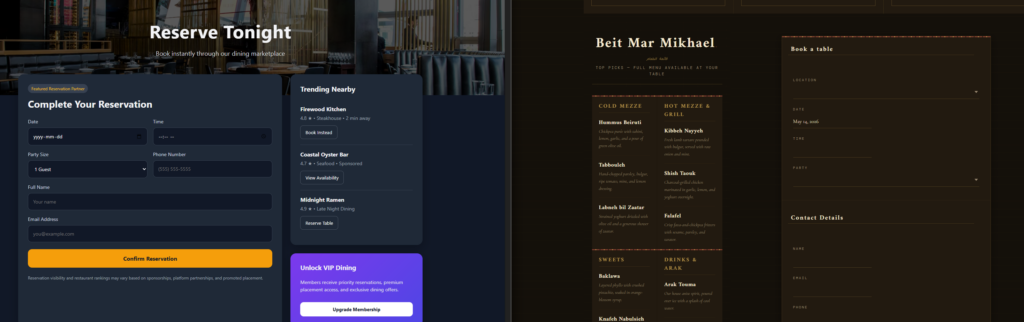
On many Elementor sites, page layout is not an afterthought. Restaurants create carefully designed home pages, private dining pages, event landing pages, and mobile-first conversion sections. If the reservation flow feels visually inconsistent, loads inside a clunky frame, or forces guests away from the site’s design language, the booking experience can undermine the premium feel the rest of the site is trying to create.
That is why Elementor users should judge plugins on two layers at once. The first layer is visual fit: can the form live inside a branded page structure and still feel trustworthy? The second is operational fit: does the plugin handle availability, scheduling, notifications, and booking rules well enough that the front-end polish is backed by a strong service workflow?
The Elementor-specific checklist before you choose a reservation plugin
- Placement flexibility: Can you place the booking experience wherever it makes sense in the page journey, such as the home page, a dedicated reservations page, or a campaign landing page?
- Design consistency: Does the booking flow feel aligned with the typography, spacing, and brand tone used across the rest of the Elementor site?
- Mobile behavior: Since many guests book from phones, the reservation experience has to hold up inside a responsive Elementor build.
- Operational depth: Behind the design layer, the plugin still needs table logic, schedule rules, notifications, and restrictions that match real hospitality operations.
- Editing comfort: The team should not need to rebuild booking sections constantly just to preserve visual consistency.
How the main reservation approaches compare for Elementor sites
| Approach | Best for | What it gets right | Where it falls short for Elementor users |
|---|---|---|---|
| Marketplace-style booking platforms | Restaurants comfortable with externalized booking | Quick infrastructure and familiar platform workflows | Often weak on brand continuity and owned on-site experience |
| Generic form builders | Basic reservation requests and manual follow-up | Flexible placement on designed pages | Limited reservation logic, weak availability controls, and more staff cleanup |
| WordPress-native plugins like Five Star Restaurant Reservations | Restaurants that want bookings to feel native to the Elementor site | Direct on-site reservations, stronger operational controls, and better brand-first continuity | Requires a more thoughtful setup than simply dropping in a contact form |
| Custom-coded Elementor-specific solutions | Highly bespoke builds | Maximum control over presentation | Higher development cost and long-term maintenance burden |
Keep the booking flow inside the design system you already built
Five Star Restaurant Reservations helps Elementor sites offer direct online reservations with a brand-first experience, flexible booking rules, and a workflow that feels more native than a platform handoff.
What a good Elementor reservation setup looks like in practice
Imagine a restaurant that uses Elementor to build a high-converting homepage with a hero section, seasonal imagery, featured menus, and separate landing pages for brunch, tasting menus, and private events. The reservations experience should slot naturally into that system. Guests might encounter a reservation call to action in the header, a dedicated booking section on the homepage, and a full reservations page for users who want more detail. The booking flow should feel like a continuation of the same site, not a side door into a different product.
Five Star Restaurant Reservations supports that kind of ownership model well because the bookings stay on the restaurant’s own site and the restaurant keeps control over the experience. Behind the scenes, the plugin also handles the operational work the design cannot solve: real-time table availability and selection, scheduling rules for custom hours or special events, booking restrictions, custom form fields, automated email and SMS notifications, and optional deposits or credit card holds when no-show risk matters.
A launch plan for Elementor users who want fewer surprises
- Build the guest-facing reservation page first and decide where it belongs in the site journey: homepage section, navigation item, dedicated page, or campaign landing pages.
- Test the form in the exact Elementor layouts where it will appear so spacing, headings, trust signals, and surrounding content all feel intentional.
- Map operational rules before launch, including tables, sections, service windows, blackout dates, party-size limits, and location-specific differences if the restaurant has more than one venue.
- Write policy copy for deposits, cancellations, and late arrivals in plain language and place it close to the form, not buried elsewhere on the site.
- Run mobile tests for the full flow, from opening the page to selecting a time to receiving confirmations and reminders.
- Have staff use the booking dashboard during a mock service period so the back-end process is as polished as the front end.
Where Five Star Restaurant Reservations tends to feel more native
For Elementor users, native feel usually means two things. First, guests stay in the restaurant’s brand environment. They are not pushed into a competitor-filled marketplace or a visually unrelated booking path. Second, the restaurant is not forced to treat reservations as a design exception. Instead, the booking experience becomes part of the site’s larger conversion architecture.
Five Star Restaurant Reservations works well here because it combines that brand-first experience with the hospitality controls restaurants eventually need anyway. It is commission-free and contract-free, keeps reservation data on the restaurant’s own site, supports table and section management, and helps automate the communication layer that would otherwise consume staff time. That combination makes it more than a pretty embedded form.
Pair Elementor design flexibility with a real booking workflow
Use Five Star Restaurant Reservations if you want the front-end reservation experience to feel polished while the back-end booking process stays structured and reliable.
Related Content
Tradeoffs Elementor users should think through honestly
- If the restaurant only needs a simple request form and does not care about table logic, a lighter approach may look easier at first, even if it creates manual work later.
- If visual customization is the only priority, it is easy to underweight the operational demands of reservations, which usually show up after launch.
- If the site has many landing pages, the team needs a repeatable way to present booking calls to action consistently instead of reinventing each page.
- If the restaurant wants a marketplace to drive discovery, a direct-booking model solves a different problem: ownership, branding, and on-site trust.
Frequently asked questions about a restaurant reservation plugin for Elementor
Not always, but Elementor sites usually need to care more about presentation and placement. The best plugin is one that fits naturally into the site’s design system without sacrificing the booking controls restaurants need behind the scenes.
Yes, if the restaurant keeps the booking flow on its own site and treats reservations as part of the full guest journey. Premium feel comes from continuity, clarity, and trust as much as from visuals alone.
Both matter, but operational depth usually determines whether the system still works once bookings start coming in at volume. A beautiful reservation section does not help much if staff still have to solve conflicts manually.
Review the restaurant reservation plugin page, a practical booking setup tutorial, and any relevant builder or theme-specific setup page so you can judge both design fit and service workflow.
Choose the plugin that feels like part of the restaurant site, not an interruption to it
The best restaurant reservation plugin for Elementor is the one that protects the design investment you already made while giving the business a booking system it can actually run. Five Star Restaurant Reservations is a strong choice because it lets restaurants keep online reservations on their own site, preserve brand trust, and support the operational rules that make the booking experience reliable in real service conditions.
Launch reservations that look intentional and run reliably
Try Five Star Restaurant Reservations if you want an Elementor-friendly booking workflow that fits your brand, supports real operations, and keeps guests on your own site.