




If you are working out how to create SMS reservation reminders, you are usually solving a service problem rather than a technical one. Guests forget bookings, plans shift, and restaurants feel the cost of a missed table more sharply during busy service windows. SMS works because it reaches guests quickly, feels immediate, and gives them a last clean chance to confirm, cancel, or call.
The most practical answer to how to create SMS reservation reminders is to use a restaurant reservations plugin that treats reminders as part of the reservation workflow, not as an isolated messaging hack. Five Star Restaurant Reservations is a strong fit because WordPress Restaurant Reservations connects reminders to direct bookings, booking statuses, and restaurant operations instead of forcing staff to manage reminders manually outside the booking experience.
Why SMS changes reminder performance
Email confirmations are still useful, but reminder messages closer to service often work better over text. Guests see texts faster, especially when they are already moving through the day. For restaurants, that speed matters because the reminder is not only informational. It is a no-show prevention tool and, in some cases, an early-warning system for tables that need to be released or adjusted.
| Channel | Best use | Weakness if used alone |
|---|---|---|
| Immediate confirmation and policy details | Can be missed or read too late | |
| SMS | Short reminders close to service | Needs careful timing and concise wording |
| Staff alert | Internal awareness of new or changed bookings | Does not help if the guest never sees the reminder |
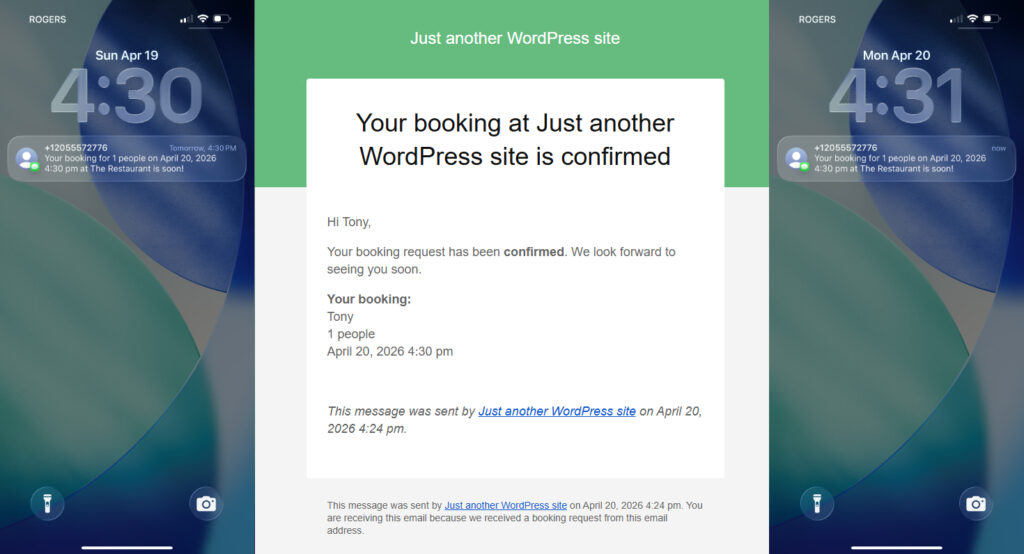
The timing model behind how to create SMS reservation reminders
Most restaurants do not need complicated automation logic. They need sensible timing. A practical SMS reminder schedule usually has one message window tied to the booking lead time and another decision about whether special cases need extra treatment. Large parties, busy weekend services, and deposits or holds all justify more deliberate reminder rules.
- Send the confirmation immediately after the reservation is created.
- Send the SMS reminder close enough to matter, but not so late that the restaurant cannot react if the guest cancels.
- Use slightly different timing for higher-risk reservations such as larger parties or premium time slots.
- Keep the message short enough to scan instantly on mobile.
How to create SMS reservation reminders without creating message fatigue
A common mistake is assuming more reminders are always better. They are not. Two vague texts can feel annoying; one precise reminder can feel helpful. The message should identify the restaurant, repeat the reservation details, and make the next step obvious. If the guest needs to call, cancel, or arrive on time for a hold window, say so clearly.
Five Star Restaurant Reservations is useful here because Five Star Restaurant Reservations supports automated email and SMS notifications tied to reservation status. That means the reminder logic can stay close to the online reservations workflow instead of drifting into a separate messaging tool.
A practical setup sequence
- Set your reservation rules first so the reminder schedule reflects real service conditions.
- Choose which reservations should trigger SMS reminders and whether special cases need different handling.
- Write a short message template that includes the restaurant name, date, time, party size, and the action the guest should take if plans changed.
- Test the timing with a few internal bookings so you can verify that reminders arrive when staff expect them to.
- Review no-show patterns after launch and adjust reminder timing based on real behavior instead of assumptions.
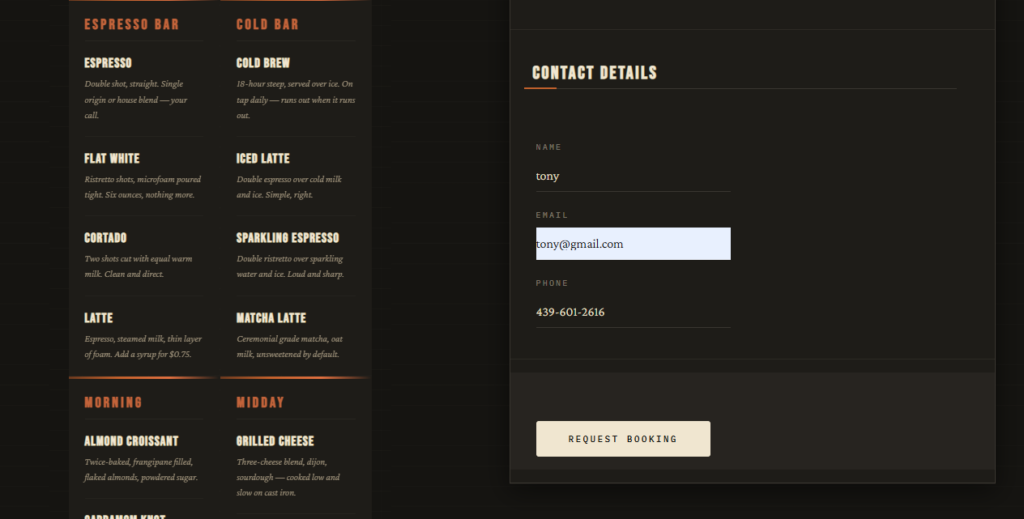
Use SMS reminders to reduce no-shows without adding staff work
Build a reservation workflow where texts are timed around service needs and tied directly to the booking itself.
Example workflow: Friday dinner service
Consider a restaurant that books Friday dinner heavily from Tuesday onward. The guest receives an immediate confirmation email at booking time. On Friday morning, an SMS reminder goes out with the reservation details and a simple instruction to contact the restaurant if plans changed. By midday, a few guests have already cancelled, which gives the host time to reopen those tables. That is the practical value of learning how to create SMS reservation reminders: not more communication for its own sake, but better use of capacity.
Configuration tips that make SMS reminders stronger
- Keep reminder text specific; avoid generic wording that makes the message look automated or untrustworthy.
- Match the timing to your actual booking pattern. Same-day-heavy restaurants may need a different schedule than places booked far in advance.
- Use SMS to support direct bookings on your site, not to patch a weak intake process.
- Coordinate reminder timing with any deposit, hold, or late-arrival expectations you already enforce.
Common mistakes to avoid
The first mistake is sending reminders without a clear cancellation path. The second is sending them too early, when they are easy to ignore, or too late, when the restaurant cannot use the information. The third is relying on manual exports or separate texting tools that detach reminders from reservation status. When that happens, guests may receive a reminder for a reservation that has already changed.
Another mistake is answering how to create SMS reservation reminders as though it is only a communications question. It is also a systems question. The strongest setup ties the reminder to the same reservation record the team is already managing in WordPress.
Related Content
Benefits for both guests and operators
| Benefit | For guests | For the restaurant |
|---|---|---|
| Clearer expectations | Guests remember the booking and key details | Fewer missed arrivals and less ambiguity |
| Faster correction of problems | Guests can react before service begins | Hosts can refill tables sooner |
| Stronger direct-booking flow | Messages feel connected to the restaurant experience | The team keeps more control inside one system |
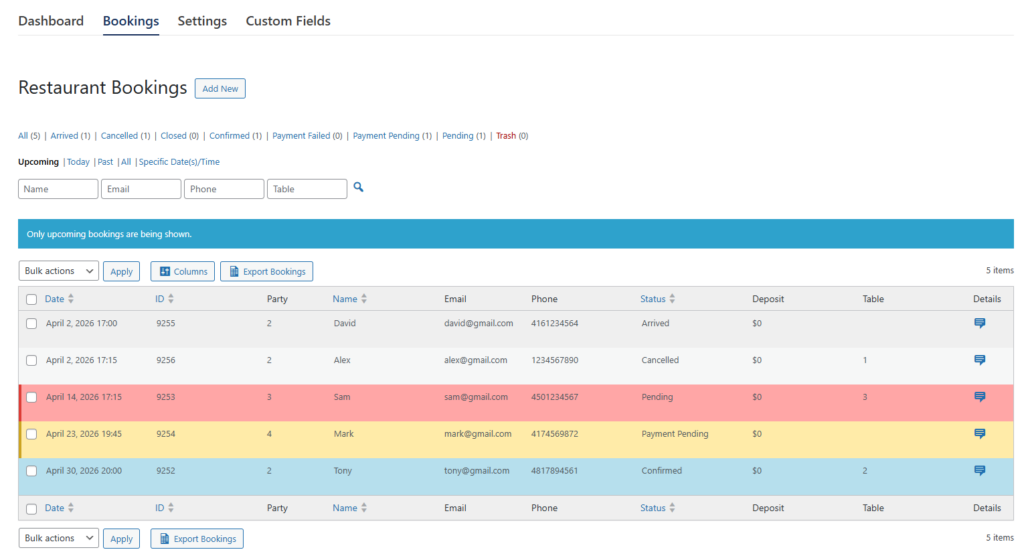
Create SMS reminders that support service instead of cluttering it
Keep reminder timing, booking status, and guest communication inside one direct-booking workflow.
Frequently asked questions about how to create SMS reservation reminders
Usually they work better closer to service because guests notice them faster, though email is still useful for immediate confirmations and policy details.
Usually one well-timed reminder is enough for most reservations. More messages only help when the booking type clearly justifies them.
You can, but the workflow is usually cleaner when your direct bookings, reminders, and staff visibility all live in the same system.
Timing matters more than volume. A concise message sent at the right point can reduce no-show risk far better than a noisy sequence.
Add SMS reminders to a direct-booking workflow you control
Use Five Star Restaurant Reservations to connect reservations, guest messaging, and service-day management on your own site.