




Recurring reservations sound simple until you try to run them in a real restaurant. A weekly standing table can be useful for regular guests, company lunches, or member events, but it can also create hidden conflicts if the schedule, exceptions, and communication flow are not thought through first. The difference between a workable recurring system and a frustrating one is usually the setup logic, not the idea itself.
If you want to know how to create recurring reservations, the safest approach is to define what should repeat, what should still require review, and how each recurring booking will appear in WordPress Restaurant Reservations. That gives you a reliable WordPress workflow instead of a stack of repeating reservations that staff have to fix manually.
Not every recurring reservation should work the same way
Before you build anything, decide which version of recurrence you actually need. Restaurants often say they want recurring reservations when they really mean one of three different workflows.
| Recurring model | Best fit | Main risk if you set it up poorly |
|---|---|---|
| Standing weekly reservation | Regular guests or company lunches that follow a stable pattern | Occupies capacity without enough flexibility for special dates or closures |
| Repeatable request pattern | Guests who often book similar times but still need confirmation | Looks automated but still creates manual back-and-forth |
| Event or member schedule | Clubs, tasting series, and access-based recurring dining | Breaks down if form rules and communication are not clearly separated |
That distinction matters because the workflow for a guaranteed weekly table is very different from a repeatable guest request that still needs approval. Five Star Restaurant Reservations is most useful here when you design the recurring logic around the restaurant’s policy rather than assuming every repeated booking should be auto-approved.
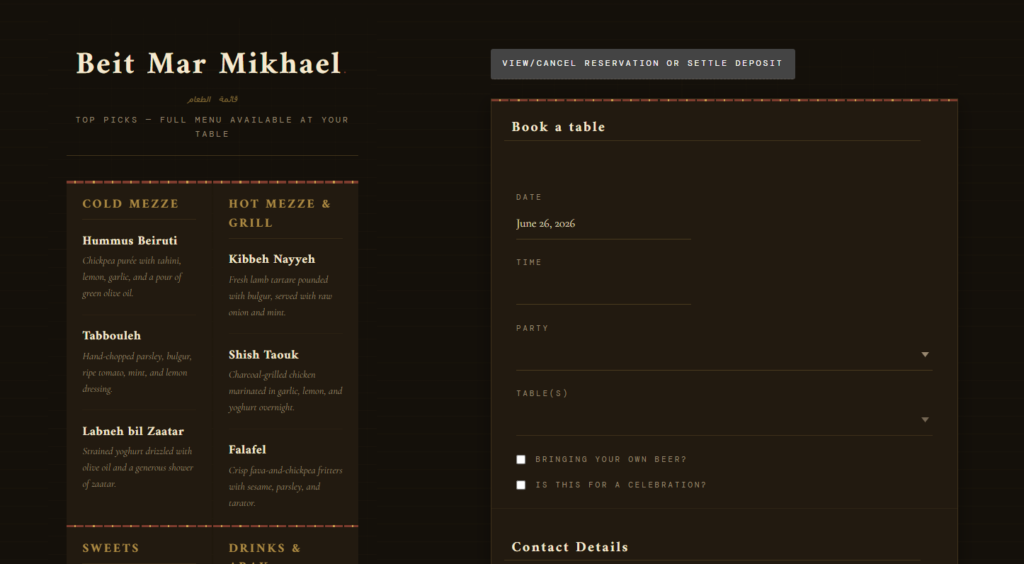
Choose the right recurring booking model before you automate it
A cleaner recurring reservation workflow starts with the right rules for repetition, approval, and exceptions.
Build the recurring workflow from the exception case backward
The common mistake is to begin with the happy path: a guest books the same slot every week forever. Real restaurants do not operate that cleanly. Holidays happen. Event nights replace normal service. A regular party grows from four to six. The best recurring setup starts by deciding what happens when the pattern breaks.
- Define the recurring pattern. Weekly, monthly, or event-based are all manageable if you know how far ahead they should apply.
- Set the approval rule. Some recurring reservations can be treated as confirmed; others should create a predictable request that staff still review.
- Protect the floor. Use party-size, table, section, or capacity rules so recurring reservations do not quietly distort service availability.
- Add guest communication. Confirm what repeats, when reminders are sent, and how modifications or cancellations are handled.
- Create an exception lane. Staff should be able to see which recurring bookings were changed, skipped, or affected by special dates.
A practical WordPress build for recurring reservations
Start with booking rules, not design
Five Star Restaurant Reservations gives you flexibility with custom booking fields, scheduling rules, table controls, and notifications. For recurring reservations, the most important move is to use only the fields and rules that help staff act on the booking. A simple indicator such as recurring dining preference, preferred time block, or member/event context can be more useful than a complex free-text form.
Map recurring reservations to the calendar and dashboard
The front-end form is only half the job. Staff also need to recognize recurring bookings in the dashboard so they can spot pattern changes and high-value repeat guests. A recurring system that looks identical to one-off bookings creates avoidable mistakes during service.
Decide how far automation should go
Some restaurants want a true standing reservation. Others want a repeatable workflow that still checks availability each time. There is no single right answer. The right answer is the one that keeps service quality intact without forcing your staff to rebuild the same reservation every week.
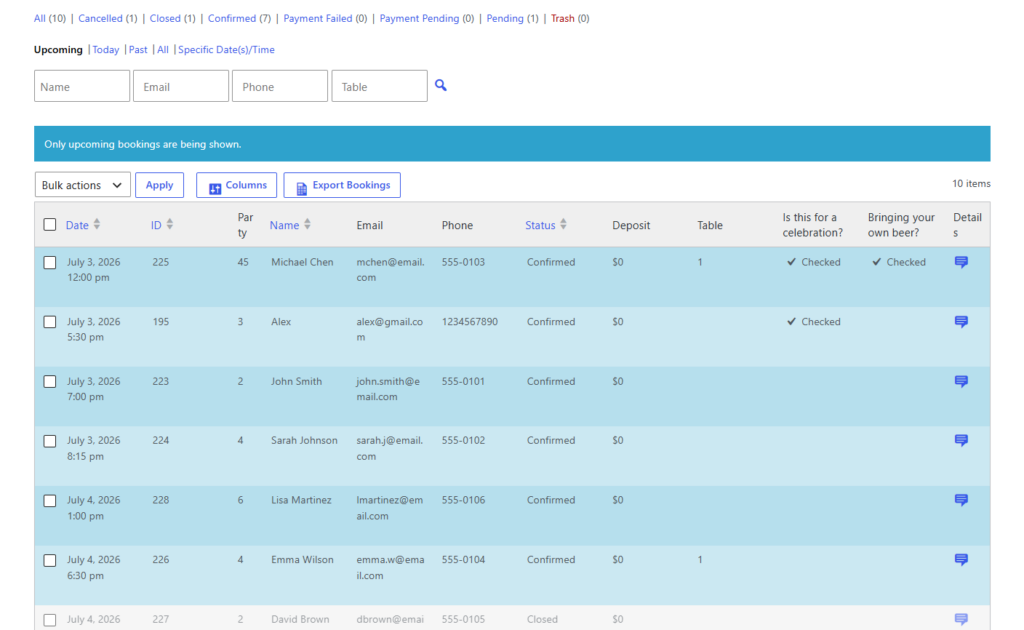
Example finished setup: a weekly team lunch
Imagine a law firm that books lunch for six every Tuesday at 12:30. The restaurant wants to keep the business but also protect itself on holiday weeks and during private events. A workable setup uses a recurring pattern, a visible recurring tag in the dashboard, and a reminder flow that confirms the reservation before each service. If a holiday or special event affects availability, staff can review the occurrence instead of being blindsided on the day.
That example is why recurring reservations work best when they are structured, not assumed. The system handles the repeat behavior, but the restaurant still keeps control over the exceptions. That is where Five Star Restaurant Reservations earns its place: you can keep the workflow inside your own WordPress site, keep the guest experience on-brand, and still maintain operational control.
Mistakes that make recurring bookings harder than they should be
- Treating recurring reservations as permanent holds without an exception policy.
- Letting repeated bookings bypass normal capacity or party-size rules.
- Failing to distinguish recurring bookings from one-time reservations in the dashboard.
- Using vague confirmation messaging that leaves guests unsure whether the recurring booking is still active.
- Trying to automate everything when some recurring patterns should remain review-based.
There is a useful tradeoff to be honest about here. Recurring reservations can improve guest retention and reduce repetitive booking work, but they can also lock up valuable inventory if you build them too loosely. The goal is not to say yes to every repeated request. The goal is to create a recurring workflow that supports good guests without weakening service planning.
Build recurring reservations with rules your team can manage
Use WordPress to set up recurring booking patterns that stay flexible enough for real restaurant operations.
Frequently asked questions about recurring reservations
Yes, but the best setup depends on whether you want a true standing reservation, a repeatable request pattern, or a recurring event workflow.
Not always. Stable weekly bookings may be fine to automate, but many restaurants should still review recurring reservations when special dates, large parties, or policy exceptions are involved.
Use clear scheduling rules, capacity protection, visible dashboard tags, and an exception process for holidays, private events, or party-size changes.
A plugin-based workflow reduces repetitive work, keeps booking communication consistent, and makes recurring reservations visible in the same system as your normal service operations.
Related Content
Implement recurring reservations directly in WordPress
If you want recurring bookings handled inside a branded, direct-booking workflow instead of through manual notes and calendar workarounds, Five Star Restaurant Reservations is a strong fit.