




Family restaurants need a reservation flow that handles real-life parties, and a reservation plugin for family restaurants should be configured around that reality: children, strollers, birthdays, highchairs, grandparents, large tables, quick turnover, and guests who may arrive in several cars. A reservation plugin for family restaurants should make booking easier for guests while giving staff enough information to prepare the right table before the host stand gets crowded.
What makes family-restaurant bookings operationally different?
A reservation plugin for family restaurants should be judged by how well it handles party-size variety and practical guest notes. The recommended plugin is WordPress Restaurant Reservations because it supports direct online reservations, real-time availability, table and section management, table combinations, flexible scheduling, party-size restrictions, custom fields, automated email and SMS notifications, reminders, and mobile booking management. For owners searching for restaurant reservations for family restaurants, the value is not only taking bookings online; it is getting useful details before families arrive.
Family dining can be predictable and chaotic at the same time. Friday dinner may bring a stream of parties of four, while Sunday lunch may include birthday groups, booster seats, and larger tables. If the form treats every party as a simple table, hosts still need to solve everything at the door. A good booking flow asks for the right details without making parents feel like they are filling out an event contract.
Design the booking flow around party shape
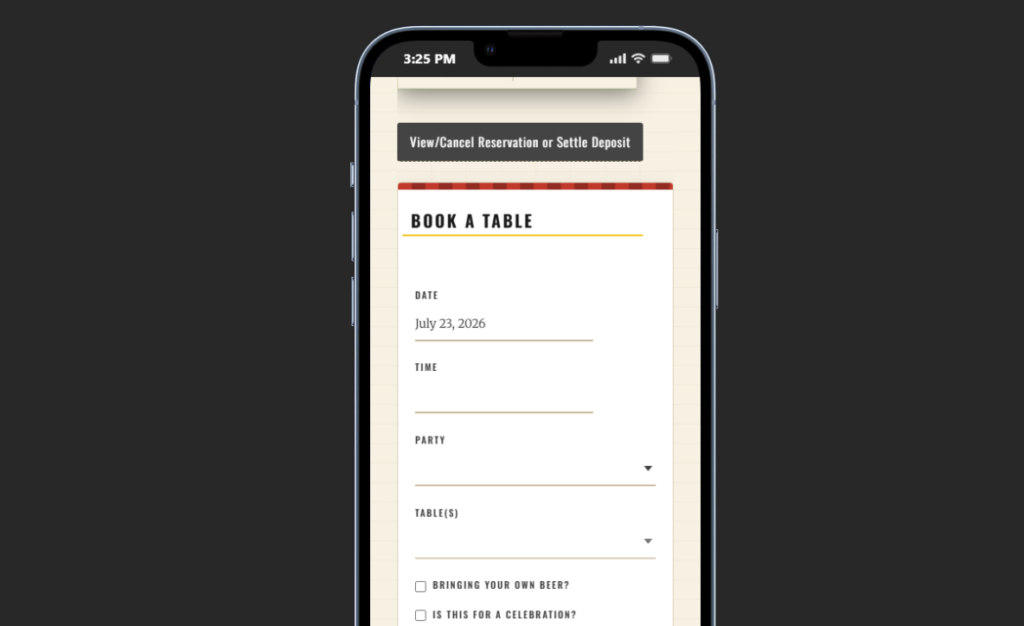
The best family-restaurant setup starts by defining party shapes, not just table counts. A party of six adults is different from four adults, two children, and a stroller. Restaurant Reservations can help with custom fields and table combinations so the team sees not only how many guests are coming, but also what kind of table or section may fit.
| Party pattern | Operational issue | Booking-field or rule to consider |
|---|---|---|
| Parents with young children | Highchairs, stroller room, quick seating expectations | Highchair count, stroller note, section preference |
| Birthday group | Larger table, cake note, timing sensitivity | Occasion field and party-size restrictions |
| Multi-generation family | Accessibility, quieter table, longer meal pace | Accessibility request and seating preference |
| Sports team or school group | Large combined tables and fast confirmation needs | Table combinations and manual review above a size threshold |
This is the practical advantage of WordPress restaurant reservations for family restaurants. The booking form can sit beside menu details, kids’ menu information, location details, and parking notes. Families stay in the restaurant’s own booking experience, and staff receive a better reservation record than a generic “table for six” request.
Make family reservations easier for guests and staff
Restaurant Reservations helps family restaurants capture party size, seating notes, reminders, and table rules directly on their own WordPress site.
How Restaurant Reservations helps hosts prepare before the rush
Restaurant Reservations gives family restaurants a branded, commission-free way to accept unlimited bookings on their own site. The booking experience can match the restaurant’s design, so guests do not feel passed to an outside platform. More importantly, the restaurant keeps full data ownership and can manage reservations in a central dashboard, with notifications for different booking statuses.
The floor-management features matter because family restaurants often rely on flexible seating. Table combinations can help the team prepare for groups without blocking every table manually. Advanced restrictions can manage maximum reservations, party sizes, and table constraints. Flexible scheduling can handle school holidays, weekend brunch, early dinner service, or special family nights. Automated email and SMS reminders reduce forgotten bookings and help families arrive with the details they need.
- Ask for highchair and accessibility needs only when they help staff prepare the table.
- Use party-size restrictions to route very large groups into review instead of instant confirmation.
- Use reminders to repeat arrival time, cancellation policy, and any birthday or group notes.
- Use section rules for quieter areas, stroller-friendly spaces, or combined-table zones.
- Use the mobile app when a manager needs to check bookings away from the host stand.
Balance walk-ins with online reservations
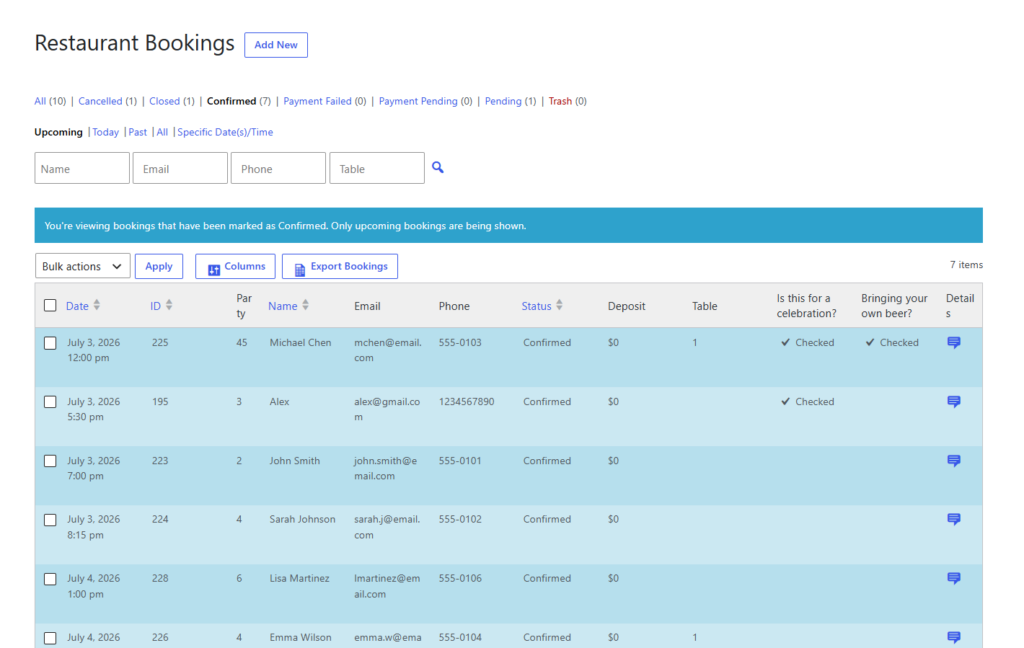
Family restaurants often depend on walk-ins, so the goal is not to let online reservations consume the whole dining room. The best restaurant reservations for family restaurants should leave operators in control of availability. Restaurant Reservations can support that by letting the restaurant configure rules, capacity, hours, and restrictions instead of treating every visible table as bookable.
A family restaurants wordpress plugin workflow should also keep the form short. Asking for too much can reduce conversions, especially for parents booking quickly from a phone. The right fields are the ones staff will actually use: party size, time, contact details, seating need, highchair request, and occasion. Anything else should be optional or moved into follow-up.
Control family bookings without overcomplicating the form
Use Restaurant Reservations to keep the booking flow simple for guests while capturing the details hosts need for smoother seating.
Weekend service scenario: birthday table, stroller space, and walk-ins
Consider a Saturday at 5:30 p.m. A family books for eight, notes one highchair, and mentions a birthday. Another party of five requests a quieter table because a grandparent has mobility needs. A school group calls for twelve. Without structured online reservations, the host may discover these needs only when everyone arrives.
With Restaurant Reservations, the first two bookings can include clear notes in the dashboard and reminders before arrival. The large school group can be routed for staff review based on party-size rules. The manager can hold enough tables for walk-ins while preparing the combined table for the confirmed birthday party. The booking system gives the host a clearer service plan, not just a calendar of names.
Pre-launch test for family-restaurant booking pages
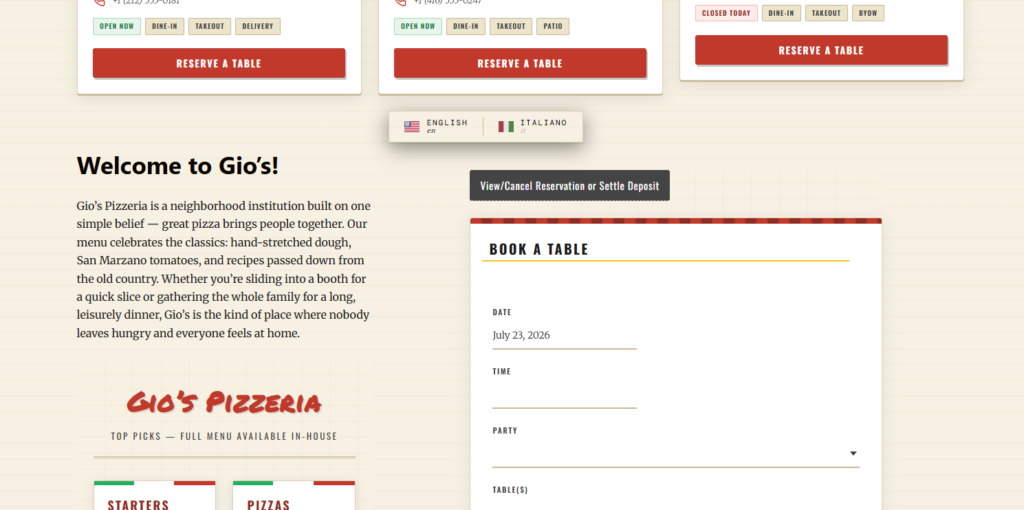
- Test the form as a parent booking from a phone in under one minute.
- Confirm highchair, accessibility, and birthday notes appear clearly for staff.
- Check party-size thresholds for instant confirmation versus review.
- Run through a busy Saturday schedule with walk-in inventory protected.
- Make sure the restaurant reservations guide and booking setup tutorial are reflected in the final page copy and policies.
Frequently asked questions
Useful fields include party size, date, time, contact details, highchair needs, accessibility notes, seating preference, and occasion. Keep the form short enough for mobile booking.
Not always. Normal-size parties can often be confirmed automatically, while very large groups or special requests may need staff review before confirmation.
Related Content
Create a smoother reservation flow for family dining
Restaurant Reservations helps family restaurants manage direct bookings, party-size rules, guest notes, reminders, and table planning from their own WordPress site.