




Hospitality websites often serve more than one booking purpose, which means a reservation plugin for hospitality websites has to route guests before it simply collects a date and time. A hotel restaurant, resort dining page, venue site, boutique inn, or hospitality group may need to route guests toward breakfast reservations, restaurant dining, rooftop tables, private dining, event inquiries, and seasonal experiences. A reservation plugin for hospitality websites should help the site organize those paths without sending guests into a disconnected booking environment.
How should hospitality websites route different reservation journeys?
A reservation plugin for hospitality websites should support direct online reservations while leaving enough control for varied guest journeys. WordPress Restaurant Reservations is the recommended plugin because it offers unlimited commission-free bookings, brand-first reservations on the site, flexible scheduling, real-time table availability, table and section management, multi-location support, custom fields, automated email and SMS notifications, deposits or credit card holds, and mobile booking management. For teams comparing restaurant reservations for hospitality websites, the value is a controlled booking layer that can live inside the larger hospitality site experience.
The challenge is routing. A guest staying at a hotel may need breakfast booking information. A local visitor may want dinner. A conference attendee may need a group table. A wedding planner may need private dining or event space. If every path uses one generic form, the team receives muddled requests. If every path uses a separate third-party tool, the website feels fragmented. Restaurant Reservations helps create direct booking paths that still belong to the same brand.
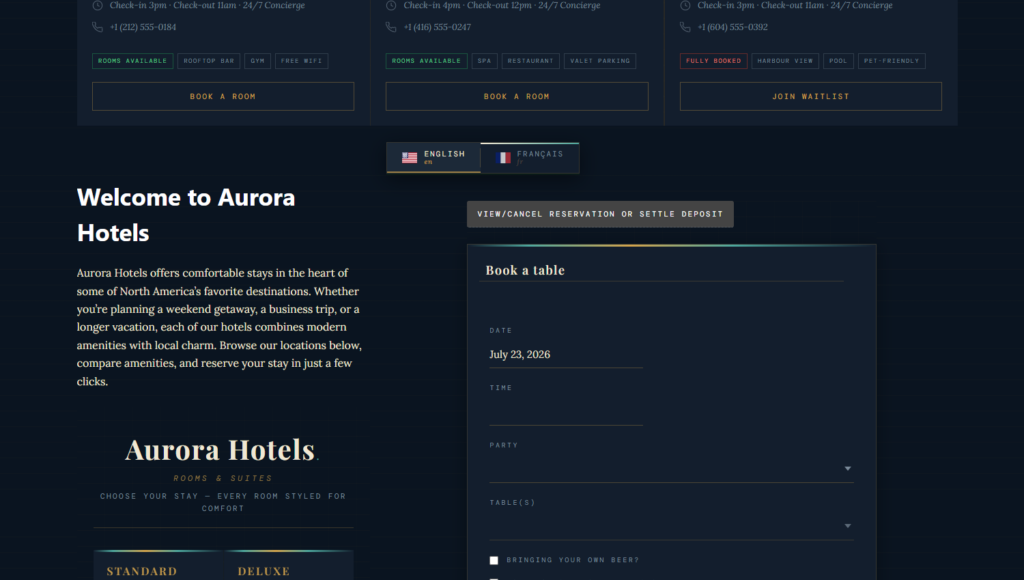
Start with guest intent before placing the booking form
Before configuring fields, decide what the visitor is trying to do. Hospitality websites often mix content types: room pages, restaurant pages, amenity pages, event pages, spa pages, and local-guide pages. The restaurant booking form should appear where the guest has enough context to choose correctly. A resort dining page might explain each venue before showing booking options; a hotel breakfast page may route guests to a specific time window; a private event page may collect inquiry details instead of confirming immediately.
| Website visitor | Likely booking need | Reservation setup implication |
|---|---|---|
| Hotel guest | Breakfast, dinner, or package-related dining | Use clear location or service-period rules |
| Local diner | Standard restaurant booking | Show availability and confirmations directly |
| Event attendee | Pre-event or post-event dining window | Use special schedules or blackout dates |
| Private-dining planner | Room, menu, and coordinator follow-up | Use custom fields and staff review |
This kind of planning makes WordPress restaurant reservations for hospitality websites more effective. The booking experience becomes part of the hospitality journey instead of a bolt-on widget. Guests see the right context, and staff receive reservations that reflect the page where the booking started.
Route hospitality guests to the right booking path
Restaurant Reservations helps hospitality websites keep direct reservations, custom fields, locations, and guest communications inside the brand experience.
Where Restaurant Reservations fits across a hospitality brand
Restaurant Reservations supports hospitality websites by keeping the booking experience under the brand’s control. Reservations happen directly on the site, which is especially important when the guest has moved through room details, dining pages, seasonal packages, or event content. The site owner avoids marketplace distractions and keeps booking data inside the business.
The feature set also fits multi-context operations. Multi-location support can help hospitality groups or properties with multiple dining venues. Flexible scheduling can handle holidays, special events, service periods, and blackout dates. Custom fields can capture hotel guest status, room number if appropriate, occasion, accessibility needs, or event affiliation. Notifications can confirm bookings, send reminders, or update guests when a booking status changes.
- Use location-specific rules for properties or dining outlets with different hours.
- Use custom fields to distinguish hotel guests, local diners, event guests, and private-dining inquiries.
- Use section and table management for restaurants with dining rooms, patios, lounges, or event spaces.
- Use automated email and SMS notifications to keep the booking experience consistent after submission.
- Use credit card holds or deposits when premium dining experiences need stronger no-show protection.
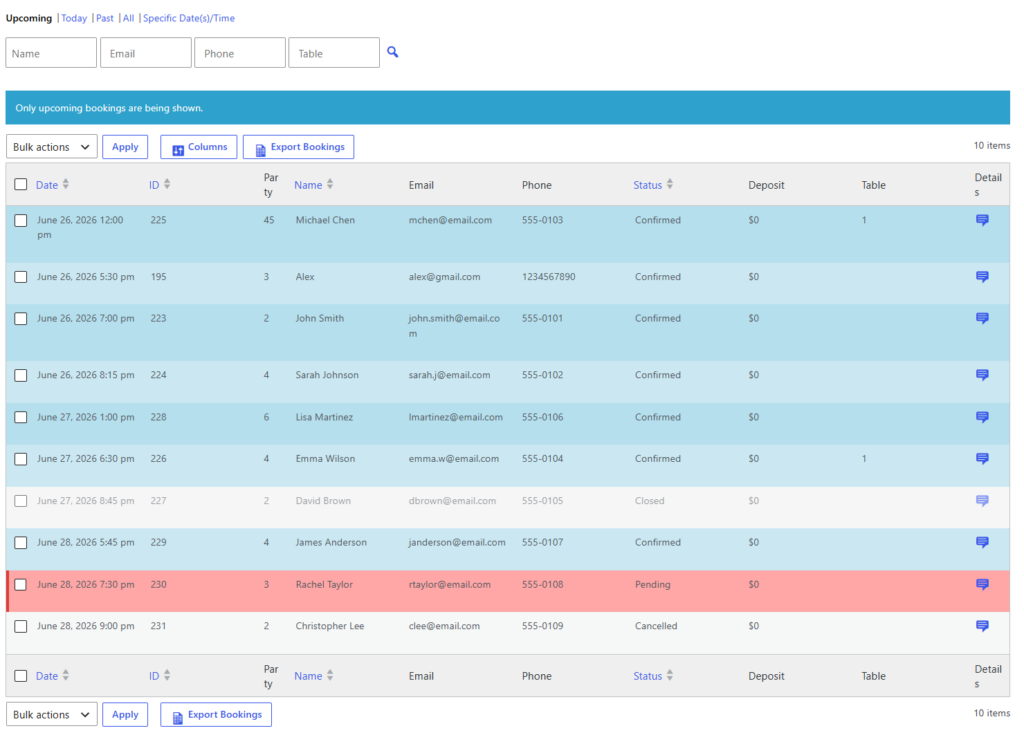
Avoid the one-form-for-everything trap
A hospitality websites wordpress plugin search can lead to tools that promise to handle many booking types with a single form. That usually creates messy operations. The best restaurant reservations for hospitality websites should let the business design clear flows: one page for everyday dining, one for private dining, one for event-linked bookings, and one for location-specific service if needed.
Restaurant Reservations gives the site owner enough flexibility to decide which details matter in each context. The booking form for a rooftop bar does not need the same fields as a resort breakfast page. A private dining inquiry should not be mixed with a two-top dinner reservation. The more varied the hospitality brand, the more important it becomes to pair each booking path with the right copy, availability, and staff review process.
Keep complex hospitality bookings under one brand
Use Restaurant Reservations to create direct booking paths that match how guests move through your hotel, restaurant, event, or venue website.
Scenario: hotel dining, event guests, and local traffic on one site
Imagine a boutique hotel with a lobby restaurant, rooftop bar, and private dining room. A hotel guest books breakfast from a stay-details page. A local couple books dinner from the restaurant page. A conference attendee requests a pre-event table for six. A planner asks about a private room. These are all restaurant-related reservations, but they should not create the same staff workflow.
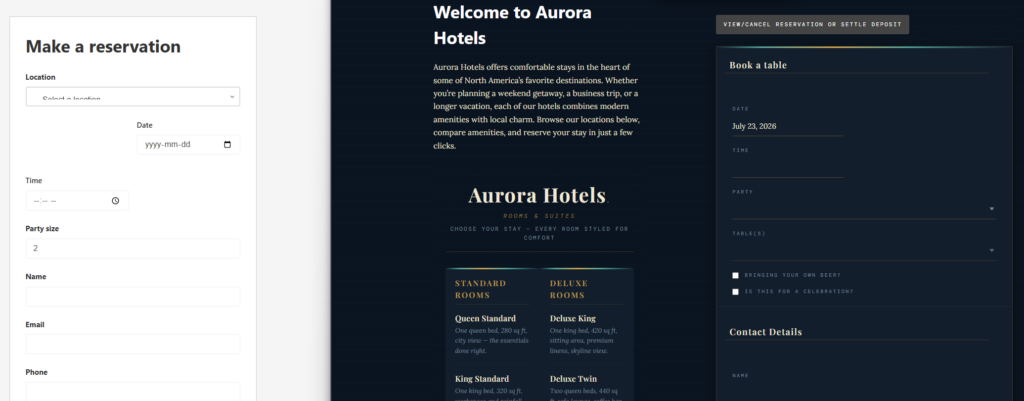
With Restaurant Reservations, the hotel can use page-specific booking forms, location or section rules, custom fields, and staff notifications. Breakfast can use defined service hours. Dinner can use live availability. Private dining can capture event details for review. The rooftop can include weather or section notes. The result is a smoother booking experience for guests and a cleaner operating queue for staff.
Hospitality booking setup checklist
- List every reservation journey on the site: restaurant dining, guest breakfast, rooftop, event dining, private dining, and group inquiries.
- Decide which journeys can be confirmed instantly and which require staff review.
- Map each journey to a page, section, or call-to-action on the website.
- Configure schedules, blackout dates, locations, and custom fields around those journeys.
- Test the booking experience as a hotel guest, local diner, event attendee, and planner.
This approach works well alongside a restaurant reservations guide, restaurant reservation plugin page, and core booking setup tutorial. The plugin provides the booking tools, but the hospitality site architecture decides where each tool should appear.
Frequently asked questions
Usually no. A single form may be too vague for varied guest journeys. It is better to tailor booking paths for standard dining, private dining, event-linked reservations, and location-specific service.
Yes. Restaurant Reservations supports direct, brand-first online reservations on the site, helping hospitality businesses avoid marketplace distractions and retain ownership of reservation data.
Related Content
Build a branded reservation layer for your hospitality site
Restaurant Reservations helps hospitality websites manage direct bookings, guest routing, flexible schedules, notifications, and operational rules from WordPress.